
How to Optimize Your Wix Studio Store for SEO and Higher Sales

How to Optimize Your Wix Studio Store for SEO and Higher Sales

Running an online store on Wix Studio is a great choice — the platform is powerful, flexible, and packed with tools that help both beginners and professionals build beautiful e-commerce websites. But design alone is not enough. To truly grow your store, you need strong SEO and a well-optimized sales experience.

In this guide, you’ll learn practical steps to boost your store’s visibility on search engines and increase conversions from visitors to paying customers.
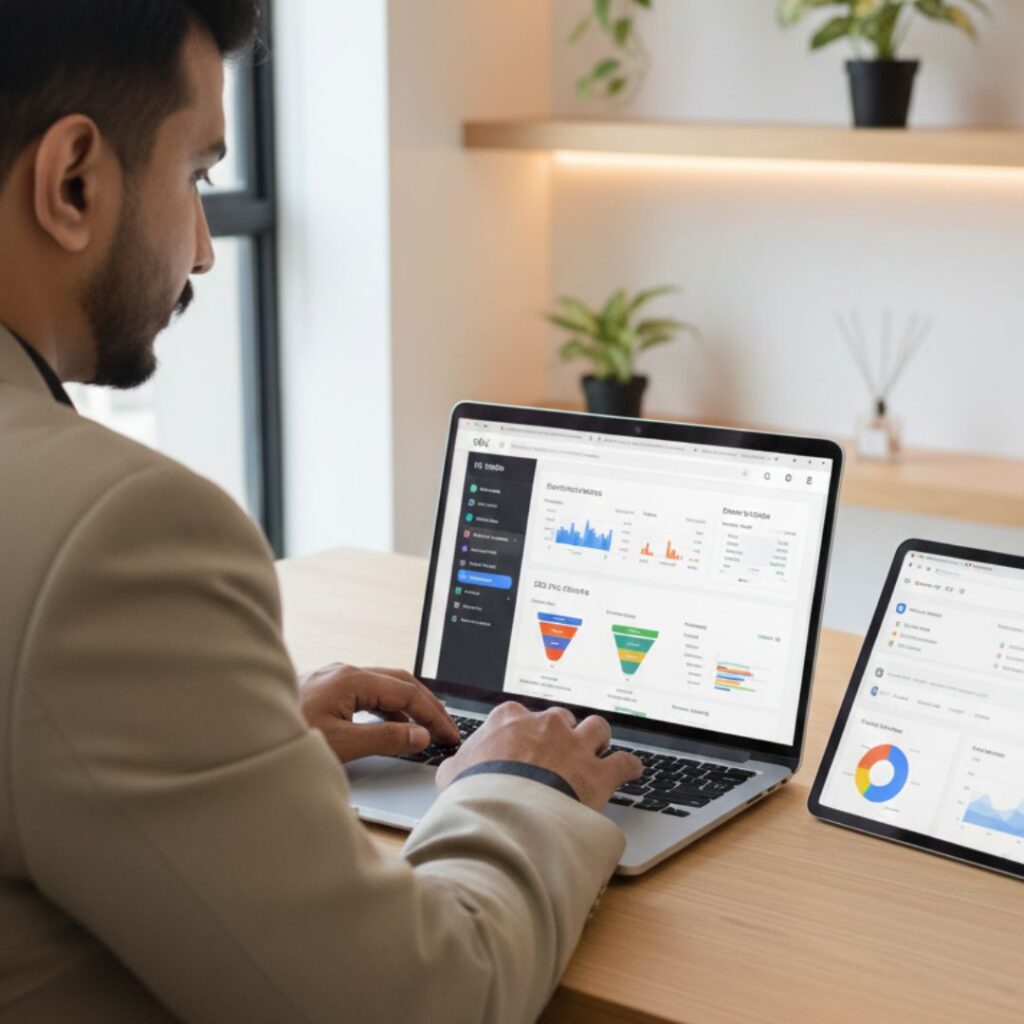
1. Optimize Your Product Pages for SEO

The first step in improving your store’s visibility is optimizing your product pages. Product pages are often the entry point for potential customers, so they need to be compelling and search-engine friendly.

Start by crafting clear, descriptive titles that include your main keywords. For example, instead of naming a product “Blue Jacket,” use “Men’s Blue Waterproof Jacket – Winter Outerwear.” Next, focus on unique product descriptions. Describe the product’s features, benefits, and uses. Avoid copying manufacturer descriptions, as search engines penalize duplicate content.

Furthermore, optimize images by compressing them for faster loading speeds and adding alt text that describes the image using keywords. For instance, “man wearing blue waterproof jacket” is better than a generic “product image.” This helps your images appear in Google Image Search, potentially attracting additional traffic.


2. Use Wix SEO Tools Effectively

Wix offers several built-in tools to make SEO easier. The Wix SEO Wiz is a step-by-step guide that helps you create meta titles, descriptions, and URLs that are SEO-friendly. Moreover, it generates a personalized SEO plan tailored to your store.

Additionally, submitting your sitemap to Google Search Console ensures that search engines index your pages faster. By regularly checking Google Search Console, you can track errors, broken links, and keyword performance. Wix also allows you to add structured data (schema), which helps your product pages appear in rich search results, including star ratings and pricing.


3. Improve User Experience (UX)

A well-optimized website should not only attract visitors but also keep them engaged. Therefore, user experience plays a critical role in boosting both sales and SEO rankings.

Firstly, ensure that your store navigation is simple and intuitive. Use categories, filters, and search bars so visitors can find products easily. Secondly, make your store mobile-friendly. A responsive design ensures that shoppers on smartphones and tablets can browse and buy without issues.

Moreover, page speed is crucial. Slow websites frustrate visitors and can lead to lost sales. Compress images, use lightweight themes, and minimize unnecessary animations to improve load times. Finally, provide a secure checkout experience with SSL certificates to build trust with your customers.


4. Leverage Reviews and Social Proof

Social proof can significantly increase conversion rates. According to research, products with customer reviews sell better than those without. Encourage buyers to leave feedback, and prominently display ratings on product pages.

Additionally, highlight testimonials and success stories on your homepage or product pages. You can also create a “popular products” or “best-sellers” section to guide shoppers toward items they might like. The combination of reviews, ratings, and testimonials not only builds credibility but also helps search engines understand that your store is active and trusted.


5. Use Marketing Strategies to Boost Sales

SEO alone won’t guarantee sales; you also need effective marketing strategies. Start by using email marketing to reach customers who have previously purchased or signed up for updates. Sending personalized recommendations or discount offers can drive repeat sales.

Furthermore, leverage social media platforms like Instagram, Facebook, and Pinterest to showcase your products. Paid advertising campaigns, such as Google Ads or Facebook Ads, can target specific audiences and drive traffic directly to your Wix store. You can also create blog content around your products to attract organic traffic, such as “10 Ways to Style Your Blue Waterproof Jacket.”


6. Track Performance and Adjust

Finally, tracking your SEO and sales metrics is essential. Wix Analytics, Google Analytics, and Google Search Console provide insights into traffic sources, popular products, and visitor behavior. By monitoring these metrics, you can identify which products and strategies are working and which need improvement.

For example, if a product page receives high traffic but low sales, consider improving the product description, adding more images, or offering discounts. Similarly, if a blog post drives traffic but visitors leave quickly, it may need better internal links or clearer calls-to-action.


7. Focus on Long-Term SEO Strategies

SEO and sales optimization are ongoing processes. Consistently updating product pages, adding new content, and refining keywords ensures your Wix store stays competitive. Additionally, building backlinks from trusted websites and collaborating with influencers can improve your store’s authority and ranking.

Remember, combining SEO efforts with excellent user experience and marketing strategies creates a cycle where higher traffic leads to more sales, and better sales encourage more traffic. Over time, this approach can significantly grow your business.

FAQ's

1. How can I improve SEO on my Wix Studio store?

You can improve SEO by optimizing page titles, meta descriptions, product descriptions, URLs, site structure, and image sizes. Also use Wix SEO tools and submit your sitemap to Google Search Console.

2. Does Wix Studio support advanced SEO tools?

Yes, Wix Studio includes features like SEO Assistant, structured data markup, custom meta tags, and automatic sitemap generation.

3. How do I make my Wix store load faster?

Use compressed WebP images, limit animations, clean unused apps, enable built-in performance optimizers, and keep your design lightweight.

4. Can I add product schema on Wix Studio?

Yes. You can apply structured data manually or use Wix’s built-in SEO options to add product schema for price, stock status, ratings, and more.

5. Why is mobile optimization important for my store?

Most customers shop on mobile. A mobile-friendly store leads to better rankings, higher conversions, and a smoother checkout experience.s

Final Thoughts and Takeaways

Optimizing your Wix Studio store for SEO and higher sales is not a one-time task — it’s a continuous process. But with the right steps, you can dramatically increase visibility, boost customer trust, and convert more visitors into loyal customers.

By applying the methods above — from strong on-page SEO to performance improvement, marketing tools, and analytics — your Wix store will grow steadily and attract the right audience.
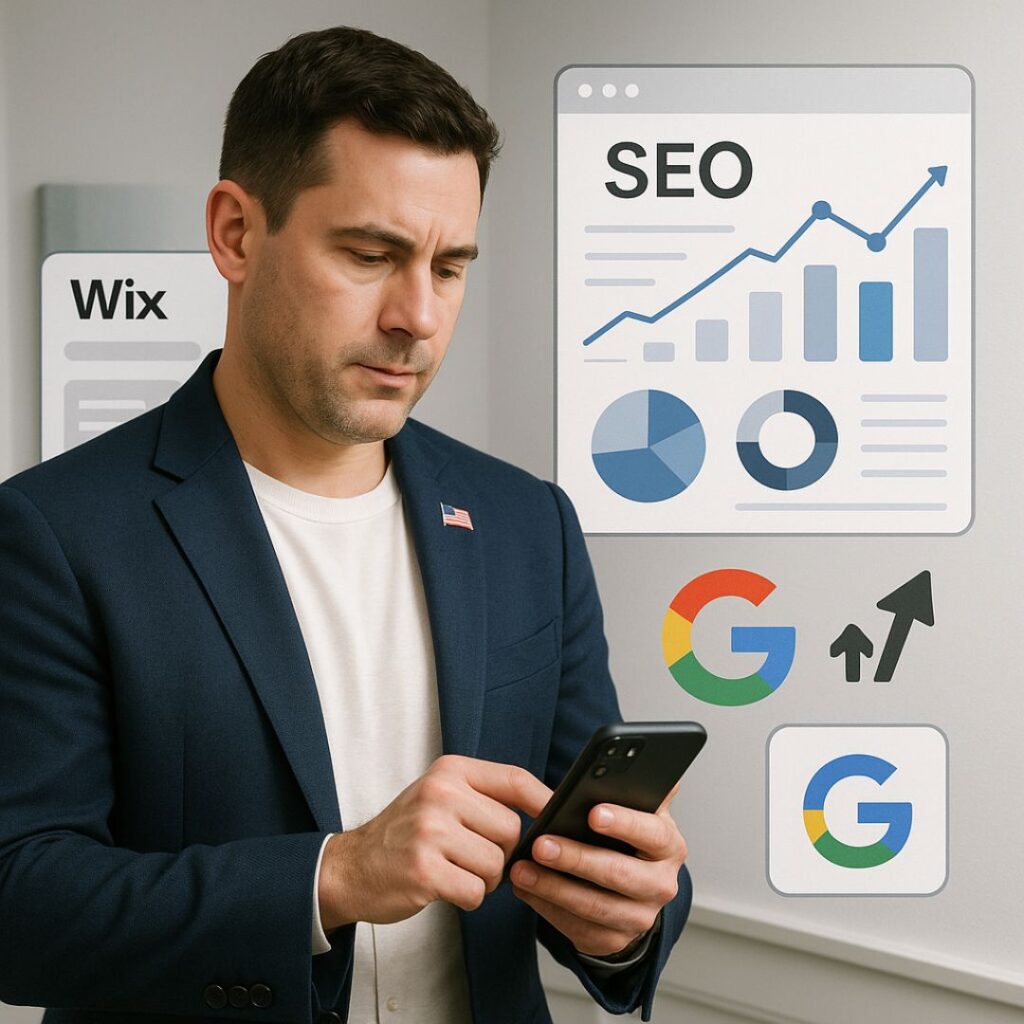
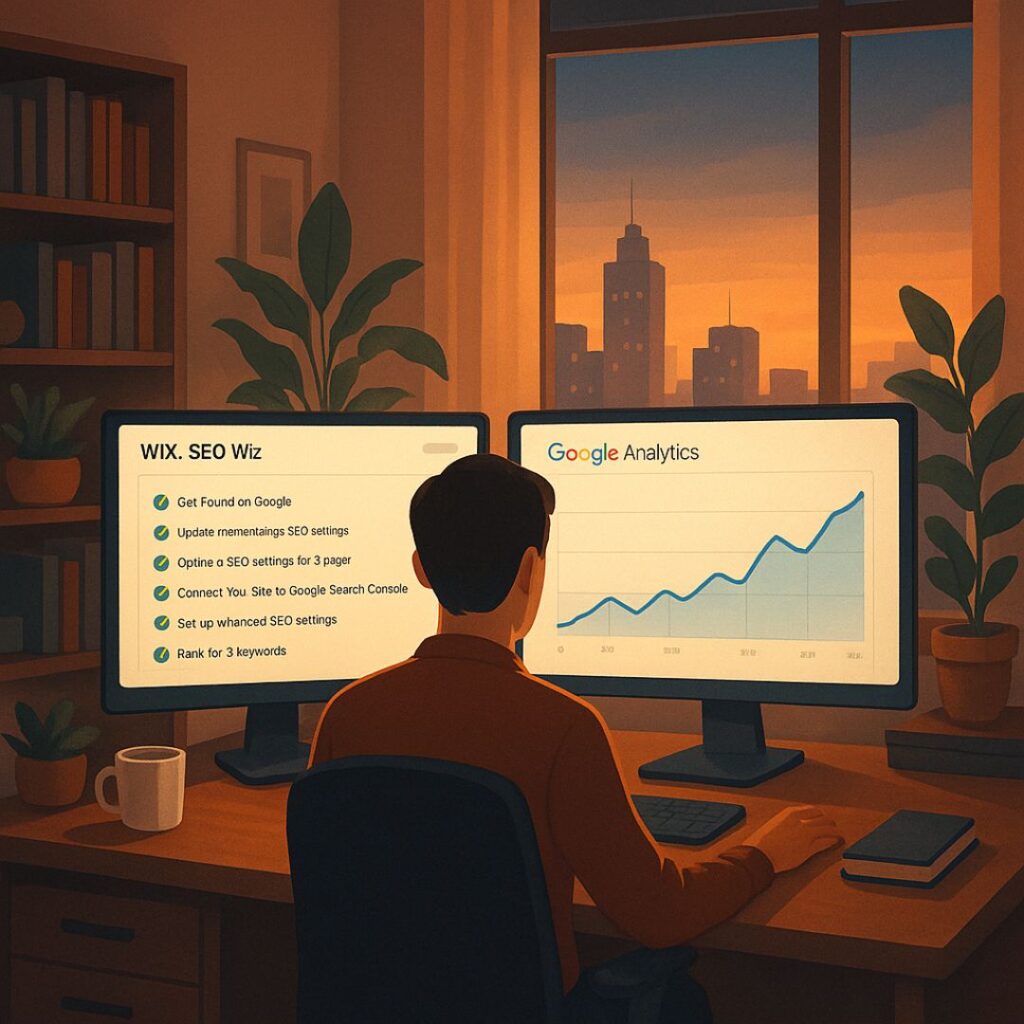
Mobile SEO on Wix Boost U.S. Business Growth in 2025

Mobile SEO on Wix: Boost U.S. Business Growth in 2025

Mobile SEO on Wix: Why It Matters for U.S. Businesses in 2025

Introduction to Mobile SEO

What is Mobile SEO?

Mobile SEO is all about optimizing your website so that it looks and performs flawlessly on smartphones and tablets. It ensures that mobile users—who now make up the majority of online traffic—get a smooth experience. On Wix, this means making your site fast, responsive, and easy to navigate.

Think of it like this: If your physical store had a narrow doorway, customers might struggle to enter. Mobile SEO is widening that doorway so everyone can step in comfortably.

Mobile SEO on Wix Boost U.S. Business Growth in 2025

Why Mobile SEO is Critical in 2025

In 2025, mobile search isn’t just popular—it dominates. Over 70% of web traffic in the U.S. is mobile-based, and Google has gone all-in on mobile-first indexing. If your Wix website isn’t optimized for mobile, you’re practically invisible on Google’s first page.

For small businesses, this is a make-or-break situation. Customers searching “near me” or looking for quick online purchases won’t wait for a clunky site to load. They’ll bounce—and head straight to a competitor.


The Rise of Mobile-First Indexing

Google’s Mobile-First Approach

Google no longer checks your desktop version first. Instead, it crawls your mobile version to decide where you rank. If your Wix website is mobile-friendly, you’re already in the game. If not? You’re left behind.

How It Impacts Wix Websites

The good news: Wix makes mobile optimization easier with responsive templates, mobile editors, and built-in SEO tools. But, the responsibility is still on business owners to fine-tune mobile speed, design, and navigation.


Why Mobile SEO Matters for U.S. Businesses

Mobile Search Trends in the U.S.

  • 63% of Google searches in the U.S. come from mobile devices.

  • “Near me” searches have grown by over 200% in the past 2 years.

  • E-commerce mobile sales are projected to surpass $600 billion in 2025.

Consumer Behavior and Mobile Usage

Americans use their smartphones for everything—shopping, browsing, ordering food, booking appointments. If your site isn’t mobile-friendly, you’re cutting yourself off from the majority of your audience.

Competitive Advantage in 2025

Optimizing for mobile SEO gives you:

  • Better rankings in Google search results

  • More trust from customers (fast, secure sites feel professional)

  • An edge over competitors who still focus only on desktop


Benefits of Optimizing Mobile SEO on Wix

Higher Search Rankings

Mobile-optimized Wix websites rank higher, period. Google rewards sites that are fast, responsive, and user-friendly.

Improved User Experience

Nobody likes pinching and zooming to read text. With mobile SEO, your content adapts naturally to any screen size.

Increased Conversions and Sales

When your site loads in under 3 seconds, customers stay. This leads directly to more sales, more leads, and higher revenue.


Key Mobile SEO Strategies for Wix Websites

Mobile-Friendly Design

Use clean, minimalist layouts. Wix templates are mobile-responsive, but you must test and tweak to ensure everything aligns perfectly.

Responsive Layouts in Wix

Wix’s mobile editor allows you to hide or adjust desktop elements that don’t work well on smaller screens.

Page Speed Optimization

  • Compress images

  • Use Wix’s built-in caching

  • Minimize third-party scripts

Mobile-Friendly Navigation

Stick to:

  • Hamburger menus

  • Large, tappable buttons

  • Clear, short page titles


Technical Mobile SEO for Wix

Schema Markup for Mobile

Adding structured data helps Google understand your site better, improving visibility in mobile search results.

Core Web Vitals and Mobile Performance

Focus on:

  • LCP (Largest Contentful Paint): Load content fast

  • FID (First Input Delay): Quick interaction response

  • CLS (Cumulative Layout Shift): Stable layout

Mobile-Friendly URLs

Keep URLs short, keyword-rich, and easy to share on mobile.


Local Mobile SEO on Wix

Importance of Local Searches

“Near me” searches are exploding. A café, gym, or boutique not optimized for local mobile SEO is losing foot traffic daily.

Wix Tools for Local SEO

  • Wix SEO Wiz for keyword optimization

  • Wix Business Manager for syncing with Google Business Profile

Mobile Maps and Directions

Add click-to-call buttons and embedded Google Maps so customers can find you instantly.


E-Commerce and Mobile SEO on Wix

Mobile Shopping Experience

Shoppers expect smooth browsing. Use mobile-optimized product galleries and easy-to-read product descriptions.

Secure Payments and Mobile Checkout

Wix Payments supports mobile-friendly payment gateways like Apple Pay and PayPal.

Mobile Product Pages Optimization

  • Use bullet points for product features

  • Add high-quality but compressed product images

  • Include reviews and ratings for credibility


Tools and Features in Wix for Mobile SEO

Wix SEO Wiz for Mobile Optimization

Guides you step-by-step to optimize your site for mobile SEO.

Wix Site Booster Apps

Helps improve visibility in local and national searches.

Analytics and Performance Tracking

Wix integrates with Google Analytics and Search Console to monitor mobile traffic.


Common Mobile SEO Mistakes on Wix

Slow Page Speed

Large uncompressed images slow down your site. Always compress before uploading.

Overloaded Popups

Mobile visitors hate intrusive popups. Use them sparingly.

Ignoring Structured Data

Without schema markup, you miss out on rich snippets in search results.


Future of Mobile SEO in 2025 and Beyond

Voice Search and AI on Mobile

By 2025, voice searches like “Hey Google, find the best coffee near me” are mainstream. Wix SEO should include voice-friendly keywords.

Personalized Mobile Experiences

AI-driven personalization will become key. Expect Wix apps to adapt content to individual users.

The Role of 5G and Faster Networks

With lightning-fast networks, users will expect instant-loading websites. Anything slower will lose traffic.

FAQ's

1. Why is Mobile SEO important for small businesses in the U.S.?

Because most consumers use smartphones to search, businesses that ignore mobile SEO risk losing traffic and sales.

2. Can Wix websites rank high on Google with mobile SEO?

Yes. With Wix SEO Wiz, responsive design, and proper optimization, Wix sites can compete with any platform.

3. How does page speed affect mobile SEO?

Slow-loading sites frustrate users, increase bounce rates, and drop your rankings.

4. What is the best mobile SEO tool for Wix in 2025?

Wix SEO Wiz, paired with Google Search Console, is the go-to combination.

5. Is mobile SEO different from desktop SEO?

Yes. While the principles overlap, mobile SEO emphasizes speed, responsive design, and local optimization more heavily.

Final Thoughts and Takeaways

Mobile SEO isn’t just an option—it’s survival for U.S. businesses in 2025. Wix provides the tools, but it’s up to business owners to leverage them effectively. By focusing on speed, design, local SEO, and e-commerce optimization, small businesses can thrive in a mobile-first world.

If you run a business on Wix, now’s the time to optimize your mobile SEO. Your future customers are already searching for you on their phones. The only question is—will they find you or your competitor?

For businesses seeking creative and technical excellence without the bloat of legacy systems, partnering with a Contra-vetted agency like IZMHS might just be the smartest move in 2025.

USA Wix SEO Wiz

Boost E-commerce Sales in the USA Using Wix SEO Wiz

Boost Your E-commerce Sales in the USA with Wix SEO Wiz

Introduction

Running an e-commerce business in the U.S. is no joke. With over 263 million digital buyers and counting, the competition is fierce. But here’s the thing—if you’re not ranking on Google, you’re invisible.

So how do you cut through the noise and drive real sales?

The answer: Wix SEO Wiz.

This blog will walk you through how you can use this free tool to boost visibility, bring in traffic, and skyrocket your online store’s revenue.

USA Wix SEO Wiz

What is Wix SEO Wiz?

The Basics

Wix SEO Wiz is a built-in SEO assistant offered by Wix that helps you create a personalized SEO plan for your website. It guides you through best practices step by step—perfect for beginners and pros alike.

Built-in Features for SEO

  • Custom keyword suggestions

  • SEO checklist with action items

  • Google indexing integration

  • Mobile optimization

  • Structured data support

Why It’s Ideal for E-commerce Sites

For online stores, visibility = sales. Wix SEO Wiz helps ensure that your product pages, categories, and blogs are optimized for the right search terms.


Understanding Your U.S. Audience

Customer Behavior and Search Trends

Americans love convenience and speed. Most buyers in the U.S. will search on Google before buying anything. If you’re not optimized, you’re missing out.

Local vs National Targeting

Whether you’re a local boutique or a nationwide brand, Wix SEO Wiz helps fine-tune your SEO for either a zip code or the whole country.


How Wix SEO Wiz Helps U.S. E-commerce Businesses

Personalized SEO Plan

The Wiz starts by asking questions about your business and target audience. Based on your answers, it generates a custom SEO roadmap.

Keyword Optimization Made Easy

Forget complicated keyword research. Wix SEO Wiz recommends relevant short-tail and long-tail keywords based on your industry and goals.

Google Indexing Support

It automatically connects your store to Google Search Console and helps with fast indexing so your new products show up quicker.

Integration with Google Business Profile

If you also have a physical location, this integration is gold. It boosts your visibility on Google Maps and local searches.


Step-by-Step Guide to Using Wix SEO Wiz for Your Online Store

Step 1 – Set Up Your Site Correctly

  • Use a custom domain

  • Enable HTTPS

  • Choose a responsive template

Step 2 – Launch Wix SEO Wiz

Go to the dashboard and click on “Get Found on Google.” Answer basic questions and let the Wiz generate your SEO plan.

Step 3 – Optimize On-Page Elements

Update:

  • Meta titles

  • Meta descriptions

  • Header tags

  • Image ALT text

Step 4 – Submit to Google

With a click, you can submit your sitemap directly to Google. Fast, easy, and essential.

Step 5 – Monitor & Improve

Use Wix’s Analytics & SEO tools to track your rankings and traffic, then tweak as needed.


Best Practices for On-Page SEO with Wix

Optimizing Product Pages

Each product page should target a unique keyword. Don’t duplicate content across items.

Writing SEO-Friendly Product Descriptions

Instead of copy-pasting manufacturer text, write engaging and informative descriptions that include keywords naturally.

Image ALT Text & File Names

Google can’t “see” images, but it reads ALT text. Use descriptive, keyword-rich filenames and ALT tags.

Meta Titles & Meta Descriptions

Keep titles under 60 characters and descriptions under 160. Make them compelling and keyword-focused.


Boosting Off-Page SEO for E-commerce Growth

Backlinks from Niche Blogs

Reach out to bloggers in your niche. One quality backlink from a high-authority site can do wonders.

Influencer Collaborations

Partner with micro-influencers to generate buzz and backlinks to your site.

Google Reviews and Testimonials

Encourage happy customers to leave Google reviews. They act as both social proof and SEO boosters.


Measuring Success with Wix Analytics Tools

Site Analytics Overview

Track:

  • Traffic sources

  • User behavior

  • Bounce rates

SEO Performance Reports

Monitor keyword rankings and which pages are bringing in the most traffic.

Adjusting Strategies Based on Data

Data doesn’t lie. If a product isn’t ranking, tweak the SEO and test again.


Common SEO Mistakes U.S. E-commerce Stores Make

Ignoring Mobile Optimization

More than 60% of traffic comes from mobile. Wix automatically makes your site responsive, but always double-check.

Overlooking Site Speed

Compress images and avoid unnecessary scripts. Slow sites kill conversions.

Keyword Stuffing

Using the same keyword over and over? That’s a red flag for Google. Focus on natural placement.


Advanced Tips to Dominate Search Rankings

Structured Data and Rich Snippets

Use Wix’s built-in options to add schema markup. It makes your search result stand out.

Long-Tail Keyword Strategy

Instead of “sneakers,” try “affordable men’s running sneakers in Texas.” It’s more targeted and converts better.

Blog Integration for Content Marketing

Create blogs around FAQs, product comparisons, or how-to guides. It boosts internal linking and positions you as an authority.


FAQ's

1. Is Wix SEO Wiz really effective for e-commerce stores?

Yes, it’s especially useful for beginners and small business owners who want a guided, hands-free SEO solution.

2. How long does it take to see results with Wix SEO Wiz?

Most users begin to see improved rankings within 2 to 6 weeks, depending on competition and keyword strategy.

3. Can I use Wix SEO Wiz if I’m targeting only the U.S. market?

Absolutely. Wix allows you to localize your SEO plan for any region, including the USA.

4. Do I still need external SEO tools if I use Wix SEO Wiz?

While Wix SEO Wiz covers the basics, tools like Ahrefs, SEMrush, or Ubersuggest can provide deeper insights.

5. Is Wix SEO Wiz free to use?

Yes, it’s 100% free and included with every Wix website.

🔚 Final Thoughts and Next Steps

Boosting your e-commerce sales in the U.S. isn’t about throwing money at ads. It’s about building sustainable, long-term traffic with smart SEO. And with Wix SEO Wiz, you’ve got a powerful (and free!) tool to guide the way.

So what are you waiting for? Launch that Wiz, optimize like a pro, and start seeing real sales growth!

For businesses seeking creative and technical excellence without the bloat of legacy systems, partnering with a Contra-vetted agency like IZMHS might just be the smartest move in 2025.