Email Marketing Strategies for Wix Studio Online Stores

Email Marketing Strategies for Wix Studio Online Stores

Email marketing remains one of the highest-ROI marketing channels for eCommerce, and with Wix Studio, store owners now have powerful built-in tools to automate, personalize, and scale their email campaigns efficiently.

In this in-depth guide, you’ll learn proven email marketing strategies for Wix Studio online stores that help increase traffic, boost conversions, recover abandoned carts, and build long-term customer relationships.
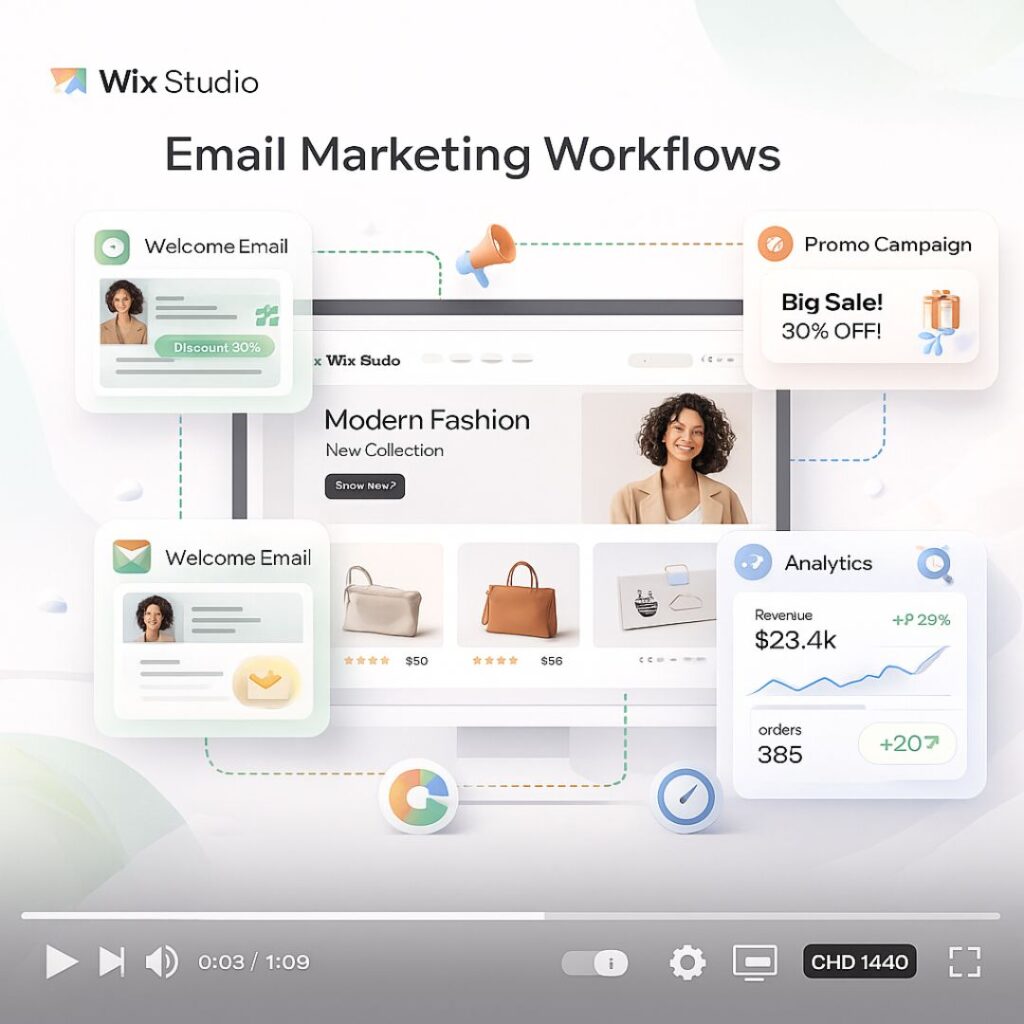
Why Email Marketing Is Crucial for Wix Studio eCommerce

Unlike social media or paid ads, email marketing gives you direct access to your customers. Wix Studio integrates email marketing with automation, CRM, analytics, and AI tools—making it ideal for modern online stores.

Benefits of email marketing for Wix Studio stores:

  • High ROI with low cost

  • Full ownership of your audience

  • Personalized customer journeys

  • Automated sales recovery

  • Strong customer retention


1. Build a High-Quality Email List in Wix Studio

Before sending emails, you need the right audience.

Best Ways to Collect Emails:

  • Signup forms on homepage and product pages

  • Exit-intent popups offering discounts

  • Checkout opt-in for updates and offers

  • Lead magnets (free guides, coupons, early access)

💡 Tip: Wix Studio allows you to design fully responsive forms that match your brand identity.


2. Segment Your Email Audience for Better Results

One of the biggest mistakes store owners make is sending the same email to everyone.

Smart Segmentation Ideas:

  • New subscribers

  • First-time buyers

  • Repeat customers

  • High-value customers

  • Cart abandoners

  • Inactive users

With Wix Automations, you can create segments based on user behavior, purchase history, and engagement level.


3. Set Up Essential Email Automations in Wix Studio

Automation is where Wix Studio truly shines.

Must-Have Email Automations:

  • Welcome Email Series – Introduce your brand and offer a first-purchase incentive

  • Abandoned Cart Emails – Recover lost sales automatically

  • Order Confirmation & Shipping Updates – Build trust and transparency

  • Post-Purchase Follow-Ups – Request reviews or suggest related products

  • Re-Engagement Campaigns – Win back inactive customers

Automated emails often outperform manual campaigns because they’re timely and personalized.


4. Write High-Converting Email Content

Great design means nothing without compelling content.

Email Copywriting Best Practices:

  • Use clear and benefit-focused subject lines

  • Personalize with customer names and product details

  • Keep paragraphs short and scannable

  • Focus on one main CTA per email

  • Create urgency using limited-time offers

Example CTA ideas:

  • “Shop Now”

  • “Complete Your Purchase”

  • “Claim Your Discount”


5. Design Mobile-Friendly Emails in Wix Studio

Most users open emails on mobile devices.

Design Tips:

  • Use single-column layouts

  • Large, clickable buttons

  • Clear product images

  • Minimal text with strong visuals

Wix Studio’s responsive editor ensures your emails look perfect on desktop, tablet, and mobile.


6. Use Personalization to Increase Sales

Personalized emails can increase conversion rates significantly.

Personalization Options in Wix Studio:

  • Product recommendations

  • Recently viewed items

  • Location-based offers

  • Birthday and anniversary emails

The more relevant your emails feel, the higher the engagement.


7. Run Promotional Campaigns Strategically

Promotional emails still work—when done correctly.

Best Campaign Types:

  • Flash sales

  • Seasonal promotions

  • New product launches

  • Exclusive subscriber discounts

  • Holiday campaigns

Avoid over-sending. Focus on value, not volume.


8. Analyze Performance Using Wix Analytics

Data helps you improve.

Key Metrics to Track:

  • Open rate

  • Click-through rate (CTR)

  • Conversion rate

  • Revenue per email

  • Unsubscribe rate

Wix Studio analytics let you test subject lines, content, and timing to optimize future campaigns.


9. Combine Email with Other Wix Marketing Tools

For best results, integrate email with:

  • Wix SEO tools

  • Wix CRM

  • Wix Automations

  • Wix Analytics

  • Social media campaigns

An omnichannel strategy creates a smoother customer journey.


10. Common Email Marketing Mistakes to Avoid

  • Sending emails without segmentation

  • Ignoring mobile optimization

  • Overloading emails with text

  • No clear CTA

  • Not testing subject lines

Avoiding these mistakes can dramatically improve your results.

FAQ's

1. What is email marketing for Wix Studio online stores?

Email marketing for Wix Studio online stores is a strategy to send targeted, personalized, and automated emails to customers to increase sales, engagement, and brand loyalty.

2. How can I collect email addresses for my Wix Studio store?

You can collect emails using signup forms, checkout opt-ins, popups, lead magnets, and special offers—all integrated directly in Wix Studio.

3. What types of email campaigns work best for eCommerce stores?

Best-performing campaigns include welcome series, abandoned cart emails, post-purchase follow-ups, promotional offers, re-engagement campaigns, and seasonal promotions.

4. How can I segment my email audience in Wix Studio?

Wix Studio allows segmentation based on purchase history, engagement, location, subscriber type (new vs returning), and behavior, helping you send more relevant emails.

5. Why is automation important in Wix Studio email marketing?

Automation ensures timely and personalized emails are sent without manual effort, such as abandoned cart recovery, order confirmation, and customer re-engagement.

Final Thoughts and Takeaways

Email marketing for Wix Studio online stores is not just about sending newsletters—it’s about building automated, personalized customer experiences that drive consistent sales.

When used strategically, Wix Studio’s email marketing tools can help you:

  • Increase revenue

  • Improve customer retention

  • Build brand loyalty

  • Scale your eCommerce business

Custom Template + Lead-Generation Setup for Wix Studio

Custom Templates & Lead-Generation Setup for Wix Studio: The Ultimate Guide for U.S. Businesses

If you’re a freelancer, agency, or business owner in the U.S., you know how important professional websites and lead generation are. Wix Studio offers a powerful platform to combine custom templates with smart lead-generation tools, helping you attract, convert, and retain clients.

In this guide, we’ll break down everything you need to know to set up your Wix Studio website for maximum results


What is Wix Studio?

Wix Studio is an advanced platform designed for agencies and freelancers who want more control, automation, and customization than the standard Wix editor. It’s tailored for professional projects and lead-driven websites.

Key Features of Wix Studio

  • Drag-and-drop editor with professional design options

  • Advanced SEO tools for U.S. Google rankings

  • Integrated analytics and dashboard

  • Lead-generation forms and automation

  • Multi-client and agency management

How Wix Studio Differs from Classic Wix

FeatureWix StudioClassic Wix
Target UsersAgencies, Freelancers, U.S. businessesIndividual users
Custom TemplatesFully customizable for clientsLimited templates
Lead-Gen ToolsBuilt-in forms, automation, CRM integrationBasic forms only
AnalyticsAdvanced dashboardBasic stats

Why Wix Studio is Popular Among U.S. Freelancers and Agencies

U.S. agencies value time-saving templates, client-ready features, and automation. Freelancers prefer it for faster project delivery and professional results.


Benefits of Using Custom Templates in Wix Studio

Branding and Unique Design

Custom templates ensure every website reflects your brand or your client’s brand, making it stand out in the competitive U.S. market.

Faster Website Setup

Pre-built layouts allow agencies to quickly launch websites without sacrificing quality.

Easier Client Management for Agencies

With reusable templates, managing multiple U.S. clients becomes smoother and more organized.

Example: Custom Template for a Marketing Agency

A U.S.-based marketing agency can create a template with lead forms, service pages, and portfolio layouts. It saves hours when onboarding new clients.

Lead-Generation Setup in Wix Studio

Why Lead Generation is Crucial for U.S. Businesses

Lead generation drives sales, consultations, and email subscribers. In the U.S., businesses rely heavily on digital leads to grow fast.

Tools and Apps for Lead Generation in Wix Studio

  • Wix Forms

  • Wix Automations

  • CRM tools like HubSpot or Mailchimp

  • Pop-ups, sticky bars, and landing pages

Step-by-Step Lead Capture Setup

Create a Lead Form:

  1. Go to Wix Studio dashboard → Add → Contact Form
    • Include fields like Name, Email, Phone, and Services

  2. Connect to Email Marketing Tools:
    • Integrate HubSpot or Mailchimp

    • Set up automation: welcome emails, follow-ups

  3. Optimize Placement:
    • Homepage header

    • Landing pages

    • Pop-up or slide-in CTA

Using Wix Forms & Automation for Leads

Automate lead capture with triggers like:

  • User visits pricing page → send email

  • User clicks CTA → add to CRM

Integrating with Email Marketing Tools

Connecting to HubSpot or Mailchimp ensures:

  • New leads automatically added to email list

  • Automated drip campaigns increase conversion

Wix Studio vs WordPress: Which is Better for Lead Generation?

Ease of Use & Setup

Wix Studio is user-friendly for non-technical users, while WordPress often requires plugins and coding.

Flexibility & Customization

WordPress is more flexible with code, but Wix Studio simplifies design and automation for U.S. freelancers.

SEO Capabilities for U.S. Market

Both platforms are SEO-capable. Wix Studio offers built-in SEO tools, including meta tags, alt text, and structured data.

Cost Comparison for Freelancers & Agencies

PlatformCostNotes
Wix Studio$23–$49/month (per site)Includes hosting, templates, and forms
WordPress$5–$50/month (hosting) + $50–$200/year pluginsAdditional setup required

Bottom Line: For U.S. agencies needing fast, lead-ready websites, Wix Studio often wins.


Best Practices for Custom Templates

Mobile Responsiveness

U.S. users access websites on mobile devices more than desktops. Ensure templates are responsive.

Fast Loading Speeds

Optimize images, scripts, and templates to avoid slow load times, which hurt SEO.

SEO-Friendly Design

Use headings, meta tags, and alt text effectively. Ensure templates support search visibility.

Consistency with Branding & Client Needs

Templates should reflect color schemes, fonts, and logos that match your client’s identity.


Lead-Generation Tips for Wix Studio Users

Optimizing Forms for Higher Conversions

  • Use fewer fields

  • Include clear CTA buttons

  • Add social proof (reviews, logos)

Pop-Ups and Sticky Banners

  • Promote special offers or newsletter signup

  • Ensure timed triggers to avoid annoyance

Personalized CTA Buttons

  • Use action verbs: “Get Your Free Quote”

  • Tailor text for U.S. audience expectations

A/B Testing Templates & Forms

  • Test different form designs, button colors, and placements

  • Use analytics to track conversion rates


Tools for Freelance Web Developers Using Wix Studio

  • Wix Studio Dashboard: Track leads, analytics, and site performance

  • Zapier: Automate lead data transfer

  • HubSpot: Manage client CRM

  • Mailchimp: Email campaigns and automation

  • Canva: Visuals for landing pages


Case Study: U.S. Agency Success Using Wix Studio Templates

Agency: BrightWave Marketing (U.S.)
Goal: Improve lead capture and reduce client setup time
Solution: Custom Wix Studio template with automated forms and email follow-up
Results:

  • 40% increase in leads

  • 50% faster client site deployment

  • Improved user engagement


Common Mistakes to Avoid

  • Overcomplicating templates → slows site

  • Ignoring mobile optimization → loses leads

  • Poor placement of lead forms → low conversions

  • Not testing CTA buttons or pop-ups


SEO Tips for Wix Studio Websites

  • Use short-tail and long-tail keywords naturally

  • Include internal links to your service pages

  • Add external links to authoritative U.S. sources (HubSpot, Forbes, Google)

  • Optimize images (size + alt tags)

  • Write engaging meta descriptions and titles


Pricing and ROI: Wix Studio for Agencies

ServiceCostROI Potential
Custom Template Setup$500–$1,500Faster client launch → more revenue
Lead-Gen Automation$50–$200/monthHigher conversion → more clients
SEO Optimization$200–$500Organic traffic → long-term ROI

Tip: Investing in custom templates pays off by saving time and increasing client satisfaction.

FAQ's

1. Can I integrate Wix Studio with WordPress tools?

Yes, through Zapier or API integrations for forms, CRM, and marketing automation.

2. Are Wix Studio templates SEO-friendly?

Absolutely. They support meta tags, structured data, alt text, and fast-loading designs.

3. How much does a custom Wix Studio template cost?

Costs range from $500–$1,500 depending on complexity and client requirements.

4. Can I automate lead capture in Wix Studio?

Yes, using Wix Forms, Automations, and integrations with HubSpot or Mailchimp.

5. Is Wix Studio better than WordPress for U.S. agencies?

For lead-focused, fast-deploy websites, yes. WordPress offers flexibility but requires more setup.

Final Thoughts and Takeaways

Wix Studio is an excellent platform for U.S. businesses and freelancers looking to combine professional design with lead-generation capabilities. By using custom templates, smart lead forms, and automation, you can improve conversions, save time, and impress clients.

Start improving your website’s lead generation today with Wix Studio!