Best Base44 Partner for UX, Web Design, and SEO – IZMHS
Introduction to IZMHS
Let’s be honest — the internet is crowded. Every business is fighting for attention, clicks, and conversions. So how do you stand out? That’s where IZMHS steps in.
Who They Are
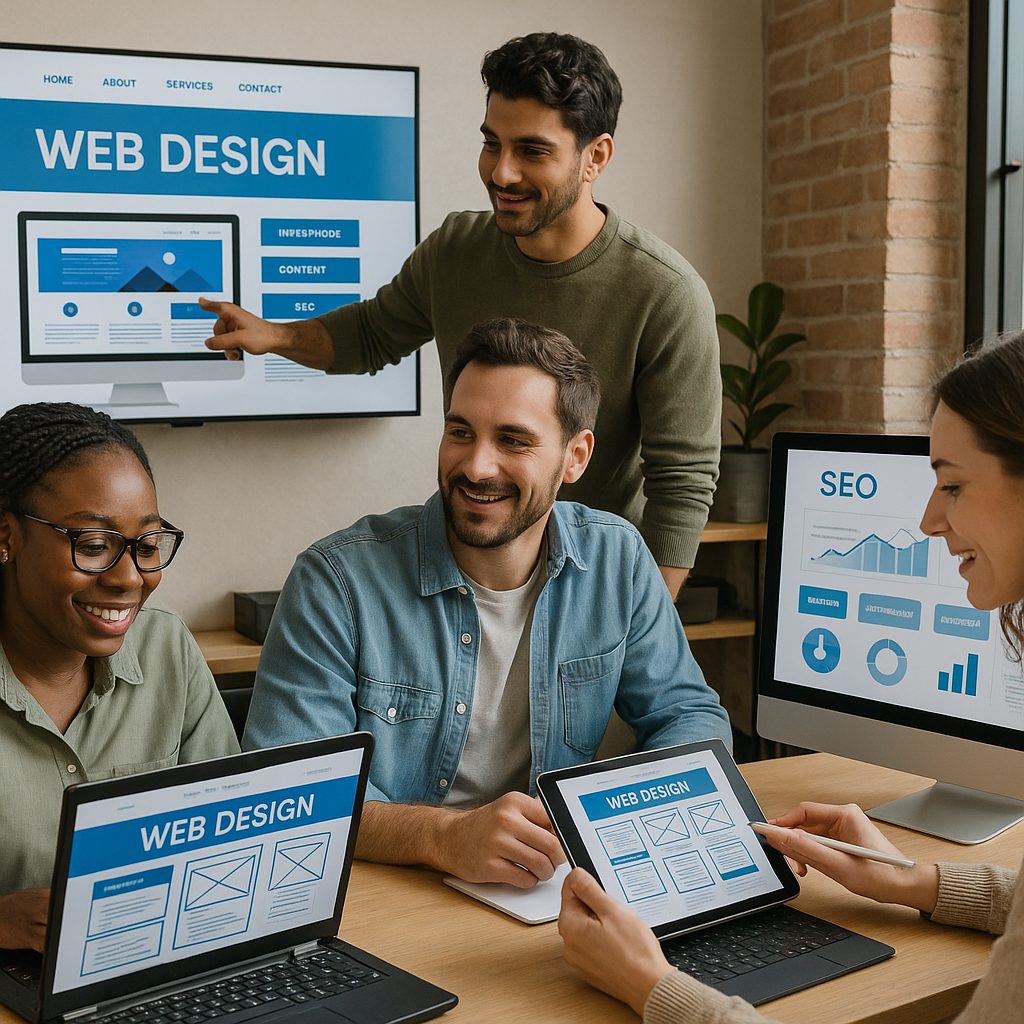
IZMHS isn’t just another digital agency throwing pretty designs on a screen. They are a results-driven UX, web design, and SEO powerhouse that blends creativity with strategy. Think of them as architects of digital experiences — not just decorators.
Their Core Mission
Their mission is simple: turn websites into growth engines. Not digital brochures. Not online business cards. Real, performance-focused platforms that attract visitors and turn them into loyal customers.

What is Base44 and Why It Matters
You might be wondering, “Okay, but what’s the deal with Base44?” Good question.
Understanding the Base44 Ecosystem
Base44 is a premium digital standard focused on performance, usability, and search visibility. Agencies that become Base44 partners meet strict benchmarks in UX, design quality, and SEO execution. It’s like a seal of excellence — not everyone gets in.
Why Businesses Need Certified Partners
Would you trust a random mechanic with a luxury car? Probably not. The same logic applies here. A Base44 partner like IZMHS follows proven systems, best practices, and advanced technical standards that ensure your website doesn’t just look good — it works flawlessly.
Why Choosing the Right Digital Partner is Critical
Your website is often your first impression. And you know what they say — first impressions stick.
The Cost of Poor UX
Bad navigation. Slow load times. Confusing layouts. These are silent killers. Visitors won’t complain — they’ll just leave. And when they leave, so do your sales.
The SEO Impact of Bad Design
Google notices everything. Poor structure, messy code, and weak content can bury your site deep in search results. A beautiful site that no one can find is like a billboard in the desert.
IZMHS as a Certified Base44 Partner
Here’s where things get exciting.
What This Partnership Means
Being a Base44 Partner means IZMHS meets elite standards in:
Technical Standards
Clean code, fast performance, and strong technical SEO foundations.
Creative Standards
User-focused design, conversion-driven layouts, and brand storytelling that connects.
This combination is rare — and powerful.
UX Design That Converts
Design isn’t art for art’s sake. It’s psychology in action.
Research-Driven Design
IZMHS starts with research. Who are your users? What do they want? Where do they drop off? Every design decision is backed by real insights, not guesswork.
Human-Centered Experiences
They design for humans, not just screens. That means intuitive navigation, clear calls-to-action, and experiences that feel effortless. When users don’t have to think, they act.
Web Design That Builds Trust
People judge your business in seconds. Harsh? Yes. True? Absolutely.
First Impressions Matter
Professional visuals, consistent branding, and modern layouts tell visitors: “You can trust us.” IZMHS crafts designs that instantly communicate credibility.
Mobile-First Design Approach
More than half of web traffic comes from mobile devices. If your site struggles on a phone, you’re losing opportunities. IZMHS designs mobile-first, ensuring smooth experiences on every screen size.
SEO That Drives Real Traffic
Traffic is great. The right traffic is better.
Technical SEO Foundation
Site speed, structured data, clean URLs, crawlability — IZMHS builds SEO into the foundation, not as an afterthought.
On-Page Optimization Strategy
From keyword placement to internal linking, every page is optimized to help search engines understand your content and rank it higher.
Content That Ranks
They don’t just design pages — they help craft content that answers real questions your audience is searching for. That’s how you win organic traffic.
The IZMHS Design Process
Great results don’t happen by accident. There’s a system behind the magic.
Discovery & Strategy
Everything starts with understanding your business goals, audience, and competitors. Strategy comes first — always.
Wireframing & Prototyping
Before visuals, there’s structure. Wireframes map out the user journey, ensuring every click has a purpose.
Development & Optimization
Once built, the site is fine-tuned for performance, SEO, and usability. Nothing goes live without testing.
Industries IZMHS Works With
IZMHS isn’t limited to one niche.
Startups
Need to make a big impact fast? They help startups build authority from day one.
E-commerce Brands
From product pages to checkout flows, they design shopping experiences that convert browsers into buyers.
Service-Based Businesses
For consultants, agencies, and professionals, they create websites that generate leads consistently.
What Makes IZMHS Different from Other Agencies
So what sets them apart from the sea of agencies online?
Strategy Before Design
Many agencies jump straight into visuals. IZMHS starts with strategy, ensuring every design choice supports business growth.
Data-Led Decisions
They rely on analytics, heatmaps, and testing — not opinions. If something doesn’t perform, they improve it.
Real Business Results Delivered by IZMHS
At the end of the day, results matter most.
Increased Conversions
Better UX means more people completing forms, making purchases, and taking action.
Higher Search Rankings
SEO-focused design helps clients climb search engine results and stay there.
Stronger Brand Authority
A polished, high-performing website builds trust and positions businesses as leaders in their industry.
UX + SEO = Growth Engine
Here’s a truth bomb: UX and SEO are not separate worlds.
How Design and SEO Work Together
Fast-loading pages improve rankings. Clear structure helps search engines crawl content. Engaging layouts reduce bounce rates. When UX and SEO align, your website becomes a growth machine.
Future-Ready Digital Experiences
The digital world changes fast. IZMHS builds with the future in mind.
Performance Optimization
Speed isn’t optional anymore. They optimize images, scripts, and architecture to keep sites lightning fast.
Scalable Design Systems
As your business grows, your website should grow too. Their systems make expansion smooth and cost-effective.
How to Get Started with IZMHS
Thinking about upgrading your digital presence? Here’s how the journey begins.
Consultation Process
It starts with a conversation. Your goals, your challenges, your vision.
Project Roadmap
Then comes a clear roadmap outlining timelines, deliverables, and strategy. No guesswork. No confusion.
FAQ's
1. What does it mean that IZMHS is a Base44 Partner?
It means IZMHS meets high standards in UX design, web performance, and SEO, ensuring professional, results-driven digital solutions.
2. How does UX design improve conversions?
Good UX removes friction, guides users smoothly, and makes actions like buying or contacting easy and intuitive.
3. Why is SEO important in web design?
Without SEO, your website may look great but remain invisible on search engines. SEO ensures your site gets found.
4. Can IZMHS help redesign an existing website?
Yes, they specialize in transforming outdated websites into modern, high-performing platforms.
5. How long does a typical project take?
Timelines vary depending on complexity, but every project follows a clear roadmap with defined milestones.
Final Thoughts and Takeaways
In a world where attention spans are short and competition is fierce, your website can’t afford to be average. It needs to be fast, user-friendly, search-optimized, and built with purpose. That’s exactly what IZMHS delivers as a trusted Base44 Partner.
They combine UX psychology, high-end design, and powerful SEO into one seamless strategy. The result? Websites that don’t just sit online — they work, grow, and convert.
If you’re serious about turning your digital presence into a business asset instead of an expense, IZMHS is the partner that makes it happen.

 “IZMHS transformed our website into a stunning digital platform that perfectly represents our brand. Their attention to detail and creativity are unmatched!” – E-Commerce Client, USA
 No Coding Required – Drag-and-drop editor for easy customization.
 Pro Tip: Choose a dark-themed or animated template to match the futuristic NFT aesthetic.
 Want a high-performing NFT website? Contact IZMHS today!
 Custom Wix Studio website development