
From No-Code to Custom Code: How to Leverage Wix Studio as a Developer
Wix Studio has rapidly evolved from a simple, drag-and-drop website builder into a powerful, developer-friendly platform that blends no-code convenience with custom code freedom. In 2025, it stands as one of the most balanced tools for developers who want speed, flexibility, scalability, and design control—all in one place.
Whether you’re a front-end developer, a full-stack developer, or a freelancer working with clients, Wix Studio helps you build websites faster while still allowing deep customization through CSS, JavaScript, APIs, and advanced integrations.
In this blog, we’ll explore how you can take a project from no-code simplicity to full custom-coded power using Wix Studio.
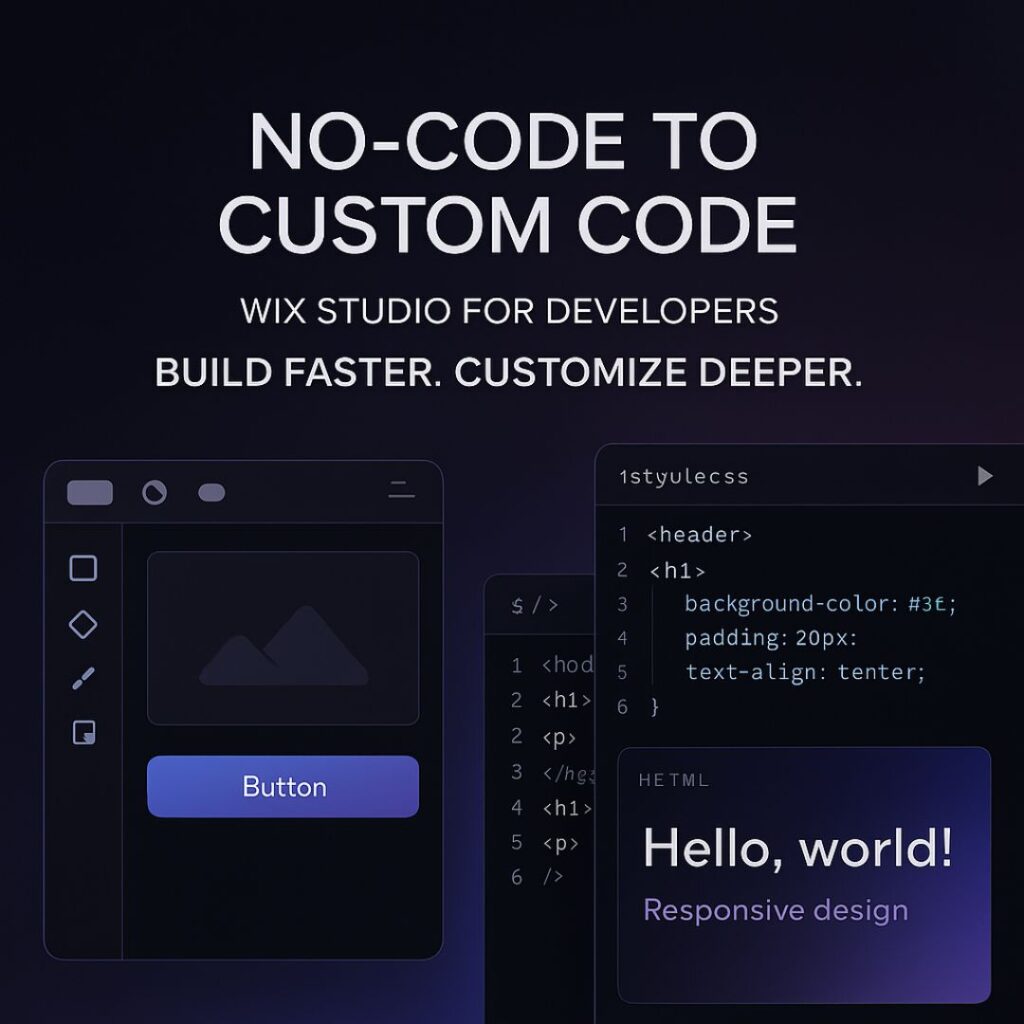
1. Why Wix Studio Is Perfect for Developers
Wix Studio is designed specially for professionals. It offers:
Full responsive design tools
Ability to add custom CSS
No-code animations
Integrated Wix CMS
Component-based design
Reusable layouts
Built-in business tools (eCommerce, bookings, events)
Developer-friendly workflows through Velo
This makes it ideal for developers who want to build fast without losing control.
2. Start With No-Code: Build Structure, Layout, and Visual Foundation
The no-code tools in Wix Studio are not “basic” — they are powerful and save hours of development time.
What you can do with no-code:
Create perfect responsive layouts with built-in breakpoints
Use modern sections (sticky, scroll effects, pinned elements)
Add animations without writing JS
Build mobile, tablet, and desktop variations
Use design libraries to keep branding consistent
This allows you to set up the entire visual foundation of the website quickly.
Instead of manually coding everything from scratch, you can focus your energy on the elements that truly need customization.
3. Add Custom CSS for Pixel-Perfect Design Control
Developers can go beyond presets by injecting CSS directly into Wix Studio.
Use cases of custom CSS:
Creating unique hover effects
Designing complex gradients
Customizing buttons, cards, and layouts
Adding dark mode styling
Fine-tuning animations
Improving typography and spacing
Overriding default Wix limitations
With CSS, your designs look premium, polished, and professional.
4. Use Velo (Wix’s Developer Tooling) for Advanced Logic
Velo allows you to add JavaScript and custom backend logic.
What you can build using Velo:
Dynamic pages pulling data from a CMS
Custom forms with validation
API integrations (payment gateways, CRMs, AI APIs, etc.)
Fetching external data with HTTP functions
Building user dashboards
Automated workflows and backend jobs
Connecting databases or creating your own collections
This is where Wix Studio becomes extremely powerful — it’s not just visual design, it’s full web application development inside one platform.
5. Integrate Third-Party APIs to Extend Functionality
For developers, API integration is essential.
Wix Studio + Velo allows:
Payment integrations
AI tools
Marketing automation
CRM tools
Custom analytics
Product databases
Shipping + logistics APIs
Social media interactions
You can turn a simple Wix site into a complete web platform using APIs.
6. Build Reusable Components to Speed Up Future Projects
One underrated feature in Wix Studio is Reusable Components.
You can create a design element once and re-use it across multiple pages or multiple client projects.
This saves time and maintains consistency.
Reusable components work especially well for:
Navigation bars
Hero sections
CTA buttons
Product cards
Forms
Footers
For agencies or freelancers, this is a massive productivity booster.
7. A Developer’s Workflow: No-Code → Custom CSS → Velo
Here’s a recommended workflow to maximize your efficiency:
Step 1: Start No-Code
Build the layout visually using Wix Studio’s modern design tools.
Step 2: Add Custom CSS
Enhance the design and create advanced styling.
Step 3: Add Logic Using Velo
Integrate dynamic data, backend logic, and external APIs.
Step 4: Optimize
Add SEO tags
Optimize images
Minify code
Improve performance settings
This workflow ensures your website is both beautiful and technically strong.
8. SEO in Wix Studio: How Developers Can Improve Rankings
Wix Studio provides advanced SEO tools:
Custom meta tags
Structured data markup
301 redirects
Page indexing controls
Image optimization
Automatic caching + CDN
To rank on the first page, make sure you:
Add relevant keywords
Improve mobile performance
Use proper heading structure (H1, H2, H3)
Add internal links
Write high-quality long-form content
Optimize images with ALT tags
Wix Studio already handles speed, caching, and security — so your job is much easier.
FAQ's
1. Is Wix Studio good for developers?
Yes. Wix Studio includes custom CSS, JavaScript, API integrations, dynamic data, and the Velo development environment, making it highly developer-friendly.
2. Can I write custom code in Wix Studio?
Absolutely. You can add custom CSS for design and Velo JavaScript for logic, automation, and advanced functionality.
3. Is Wix Studio better than the classic Wix Editor?
Yes. Wix Studio offers advanced responsive design, custom code capabilities, and professional tools for developers and agencies.
4. Can I integrate APIs in Wix Studio?
Yes. With Velo, you can integrate external APIs, authentication systems, databases, CRMs, and more.
5. Does Wix Studio support dark-theme websites?
Yes. You can build dark-theme layouts using custom CSS, design tokens, gradients, and reusable design libraries.
Final Thoughts and Takeaways
Wix Studio is the perfect bridge between no-code simplicity and full-stack flexibility. Whether you’re a freelancer, a front-end developer, or an agency, you can build fast, customize deeply, and scale easily.
By combining responsive no-code design, custom CSS, Velo JavaScript, and powerful CMS tools, Wix Studio becomes a complete development ecosystem — ready for 2025 and beyond.
