Email Marketing Strategies for Wix Studio Online Stores

Email Marketing Strategies for Wix Studio Online Stores

Email marketing remains one of the highest-ROI marketing channels for eCommerce, and with Wix Studio, store owners now have powerful built-in tools to automate, personalize, and scale their email campaigns efficiently.

In this in-depth guide, you’ll learn proven email marketing strategies for Wix Studio online stores that help increase traffic, boost conversions, recover abandoned carts, and build long-term customer relationships.
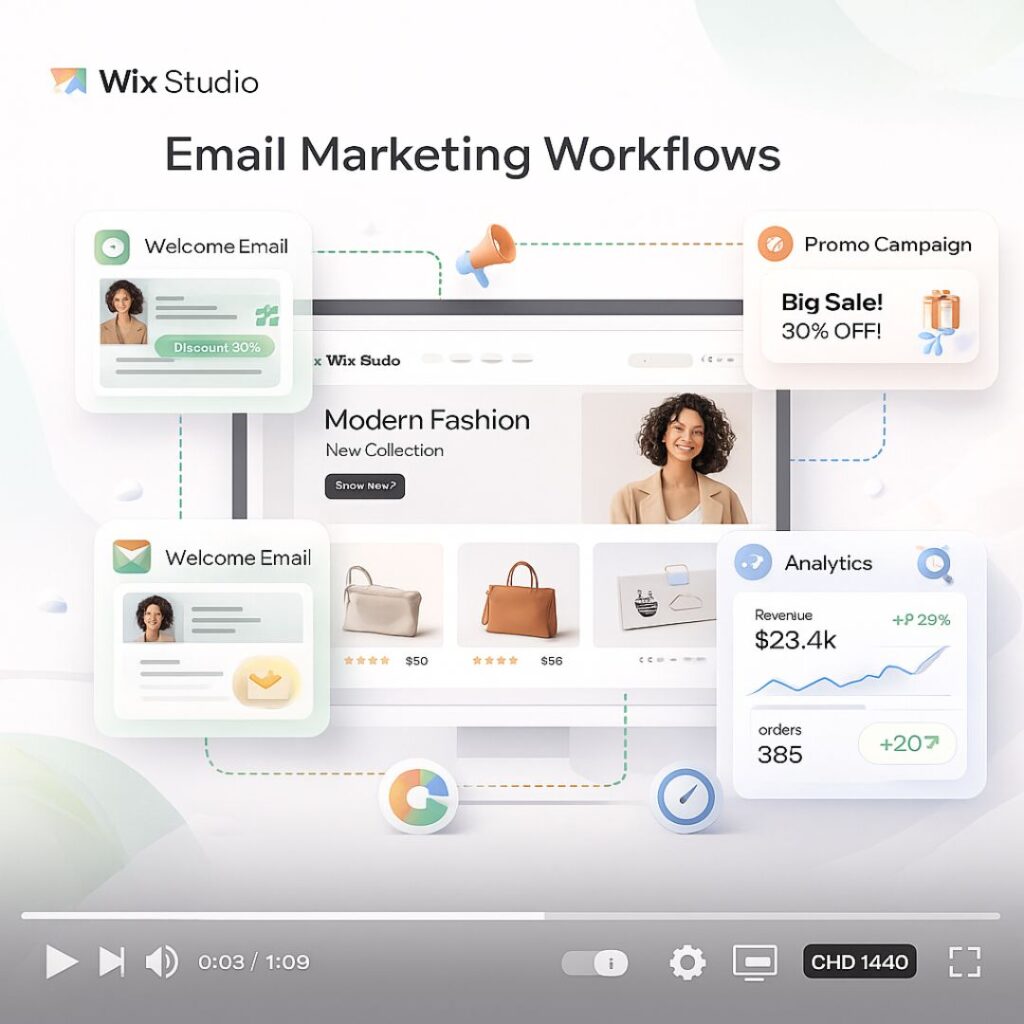
Why Email Marketing Is Crucial for Wix Studio eCommerce

Unlike social media or paid ads, email marketing gives you direct access to your customers. Wix Studio integrates email marketing with automation, CRM, analytics, and AI tools—making it ideal for modern online stores.

Benefits of email marketing for Wix Studio stores:

  • High ROI with low cost

  • Full ownership of your audience

  • Personalized customer journeys

  • Automated sales recovery

  • Strong customer retention


1. Build a High-Quality Email List in Wix Studio

Before sending emails, you need the right audience.

Best Ways to Collect Emails:

  • Signup forms on homepage and product pages

  • Exit-intent popups offering discounts

  • Checkout opt-in for updates and offers

  • Lead magnets (free guides, coupons, early access)

💡 Tip: Wix Studio allows you to design fully responsive forms that match your brand identity.


2. Segment Your Email Audience for Better Results

One of the biggest mistakes store owners make is sending the same email to everyone.

Smart Segmentation Ideas:

  • New subscribers

  • First-time buyers

  • Repeat customers

  • High-value customers

  • Cart abandoners

  • Inactive users

With Wix Automations, you can create segments based on user behavior, purchase history, and engagement level.


3. Set Up Essential Email Automations in Wix Studio

Automation is where Wix Studio truly shines.

Must-Have Email Automations:

  • Welcome Email Series – Introduce your brand and offer a first-purchase incentive

  • Abandoned Cart Emails – Recover lost sales automatically

  • Order Confirmation & Shipping Updates – Build trust and transparency

  • Post-Purchase Follow-Ups – Request reviews or suggest related products

  • Re-Engagement Campaigns – Win back inactive customers

Automated emails often outperform manual campaigns because they’re timely and personalized.


4. Write High-Converting Email Content

Great design means nothing without compelling content.

Email Copywriting Best Practices:

  • Use clear and benefit-focused subject lines

  • Personalize with customer names and product details

  • Keep paragraphs short and scannable

  • Focus on one main CTA per email

  • Create urgency using limited-time offers

Example CTA ideas:

  • “Shop Now”

  • “Complete Your Purchase”

  • “Claim Your Discount”


5. Design Mobile-Friendly Emails in Wix Studio

Most users open emails on mobile devices.

Design Tips:

  • Use single-column layouts

  • Large, clickable buttons

  • Clear product images

  • Minimal text with strong visuals

Wix Studio’s responsive editor ensures your emails look perfect on desktop, tablet, and mobile.


6. Use Personalization to Increase Sales

Personalized emails can increase conversion rates significantly.

Personalization Options in Wix Studio:

  • Product recommendations

  • Recently viewed items

  • Location-based offers

  • Birthday and anniversary emails

The more relevant your emails feel, the higher the engagement.


7. Run Promotional Campaigns Strategically

Promotional emails still work—when done correctly.

Best Campaign Types:

  • Flash sales

  • Seasonal promotions

  • New product launches

  • Exclusive subscriber discounts

  • Holiday campaigns

Avoid over-sending. Focus on value, not volume.


8. Analyze Performance Using Wix Analytics

Data helps you improve.

Key Metrics to Track:

  • Open rate

  • Click-through rate (CTR)

  • Conversion rate

  • Revenue per email

  • Unsubscribe rate

Wix Studio analytics let you test subject lines, content, and timing to optimize future campaigns.


9. Combine Email with Other Wix Marketing Tools

For best results, integrate email with:

  • Wix SEO tools

  • Wix CRM

  • Wix Automations

  • Wix Analytics

  • Social media campaigns

An omnichannel strategy creates a smoother customer journey.


10. Common Email Marketing Mistakes to Avoid

  • Sending emails without segmentation

  • Ignoring mobile optimization

  • Overloading emails with text

  • No clear CTA

  • Not testing subject lines

Avoiding these mistakes can dramatically improve your results.

FAQ's

1. What is email marketing for Wix Studio online stores?

Email marketing for Wix Studio online stores is a strategy to send targeted, personalized, and automated emails to customers to increase sales, engagement, and brand loyalty.

2. How can I collect email addresses for my Wix Studio store?

You can collect emails using signup forms, checkout opt-ins, popups, lead magnets, and special offers—all integrated directly in Wix Studio.

3. What types of email campaigns work best for eCommerce stores?

Best-performing campaigns include welcome series, abandoned cart emails, post-purchase follow-ups, promotional offers, re-engagement campaigns, and seasonal promotions.

4. How can I segment my email audience in Wix Studio?

Wix Studio allows segmentation based on purchase history, engagement, location, subscriber type (new vs returning), and behavior, helping you send more relevant emails.

5. Why is automation important in Wix Studio email marketing?

Automation ensures timely and personalized emails are sent without manual effort, such as abandoned cart recovery, order confirmation, and customer re-engagement.

Final Thoughts and Takeaways

Email marketing for Wix Studio online stores is not just about sending newsletters—it’s about building automated, personalized customer experiences that drive consistent sales.

When used strategically, Wix Studio’s email marketing tools can help you:

  • Increase revenue

  • Improve customer retention

  • Build brand loyalty

  • Scale your eCommerce business

The Ultimate Guide to Setting Up Wix Studio eCommerce for Beginners

The Ultimate Guide to Setting Up Wix Studio eCommerce for Beginners

Starting an online store can feel overwhelming—especially when you’re a beginner. But with Wix Studio, launching a professional, high-converting eCommerce website has never been easier. Wix Studio offers powerful tools, flexible design options, built-in SEO, and advanced store management features that help anyone—from beginners to experts—create a ready-to-sell online store in just a few steps.

In this ultimate beginner’s guide, you’ll learn how to set up your Wix Studio eCommerce store from scratch, optimize it for conversions, and prepare it for launch.

1. Choose Your Wix Studio Template

Wix Studio provides dozens of pre-designed, responsive eCommerce templates built for:

  • Fashion stores

  • Beauty brands

  • Digital products

  • Home décor

  • Electronics

  • Handmade crafts

  • Dropshipping & Print-on-Demand

Pick a template that matches your brand aesthetic.
Tip: Choose a clean template with easy navigation and spacious layouts—it improves user experience and sales.


2. Customize Your Store Design

Once your template is installed, customize it to match your branding.

Key areas to update:

  • Logo & brand colors

  • Typography

  • Header & footer

  • Navigation menu

  • Homepage hero section

  • Category pages

  • Product pages

  • Buttons & call-to-actions

Wix Studio’s canvas editor gives you complete control using drag-and-drop tools and responsive design settings.

Pro Tip: Use high-quality images and maintain consistent color tones to build trust.


3. Add Your Products

Your products are the heart of your store. Go to Dashboard → Store Products and start adding them.

Add These Details for Every Product:

  • Product title

  • High-quality images or videos

  • Pricing

  • Variants (size, color, material)

  • SKU codes

  • Stock quantity

  • Detailed description

  • Shipping options

Make your product pages compelling by focusing on benefits, not just features.


4. Set Up Payment Gateways

Wix Studio supports multiple payment options, including:

  • Credit/Debit Cards

  • PayPal

  • Stripe

  • Wix Payments

  • Local payment methods (depending on your region)

Steps to set up payments:

  1. Go to Dashboard → Settings → Accept Payments
  2. Choose your preferred payment provider
  3. Connect your account
  4. Verify business details

Easy, fast, and perfect for beginners.


5. Configure Shipping, Tax & Locations

Before you launch, configure your operational rules.

Shipping Options:

  • Flat rate

  • Free shipping

  • Weight-based

  • Real-time carrier rates (DHL, FedEx, USPS)

Tax Setup:

You can set:

  • Automatic tax

  • Manual tax rates

  • Region-based taxes

Store Regions:

Set where you ship and which countries you serve.


6. Optimize for SEO

Wix Studio includes strong SEO features for beginners.

Must-do optimizations:

  • Add keywords to product titles

  • Write SEO-friendly product descriptions

  • Customize meta titles & descriptions

  • Optimize images with alt text

  • Add headings (H1, H2, H3) properly

  • Create clean URLs

  • Enable Wix SEO Wiz

Tip: Use 1 main keyword for every page or product.


7. Connect a Custom Domain

Your store will look more professional with a custom domain like:

www.yourstore.com

Steps:

  1. Purchase a domain on Wix or connect one
  2. Link it to your website
  3. Publish your store

This increases credibility and improves your Google ranking.


8. Install Essential eCommerce Apps

Enhance your store with Wix apps such as:

  • Wix Chat

  • Product Reviews

  • Wishlist

  • Abandoned Cart Recovery

  • Email Marketing

  • Loyalty Programs

  • Pop-ups & lead forms

These tools help you increase conversions and build customer relationships.


9. Set Up Email Automations

Automated emails help you sell more with less effort.

Recommended automations:

  • Welcome email

  • Order confirmation

  • Shipping update

  • Abandoned cart email

  • Review request

  • Seasonal offers

All can be created easily using Wix Automations.


10. Test Your Store Before Launch

Before going live, test everything.

Checklist:

  • Test payments

  • Test shipping rules

  • Test coupons

  • Check mobile responsiveness

  • Check product variants

  • Test checkout flow

  • Preview all pages

Fix any issues before launch to avoid losing sales.


11. Publish & Launch Your Store

Once everything is ready:

  • Click Publish

  • Share the link on social media

  • Run paid ads

  • Start email marketing

  • List products in Google Merchant Center

You’re now ready to start making sales!

FAQ's

1. Is Wix Studio good for beginners?

Yes, Wix Studio is beginner-friendly and offers a drag-and-drop editor, templates, and built-in eCommerce tools that simplify store creation.

2. Do I need coding skills to build a Wix Studio eCommerce store?

No. You can create a full store without coding. But if you want custom features, Wix Studio also supports advanced coding.

3. Can I accept international payments on Wix Studio?

Yes. Wix supports PayPal, Stripe, Wix Payments, and multiple international payment methods.

4. Does Wix Studio support shipping and tax automation?

Yes. You can automate taxes and set custom shipping rules (flat rate, free shipping, weight-based, etc.).

5. Is Wix Studio good for SEO?

Absolutely. It includes SEO tools like meta tags, alt text, clean URLs, and Wix SEO Wiz to help improve rankings.

Final Thoughts and Takeaways

Setting up an eCommerce store on Wix Studio is one of the easiest and most powerful ways to launch an online business. With its advanced design features, beginner-friendly dashboard, built-in SEO tools, and flexible customization options, Wix Studio helps you build a store that looks professional and converts well.

Follow the steps in this guide, stay consistent with your branding, and optimize your store regularly—you’ll be on your way to creating a successful online business.