
How to Optimize Your Wix Studio Store for SEO and Higher Sales

How to Optimize Your Wix Studio Store for SEO and Higher Sales

Running an online store on Wix Studio is a great choice — the platform is powerful, flexible, and packed with tools that help both beginners and professionals build beautiful e-commerce websites. But design alone is not enough. To truly grow your store, you need strong SEO and a well-optimized sales experience.

In this guide, you’ll learn practical steps to boost your store’s visibility on search engines and increase conversions from visitors to paying customers.
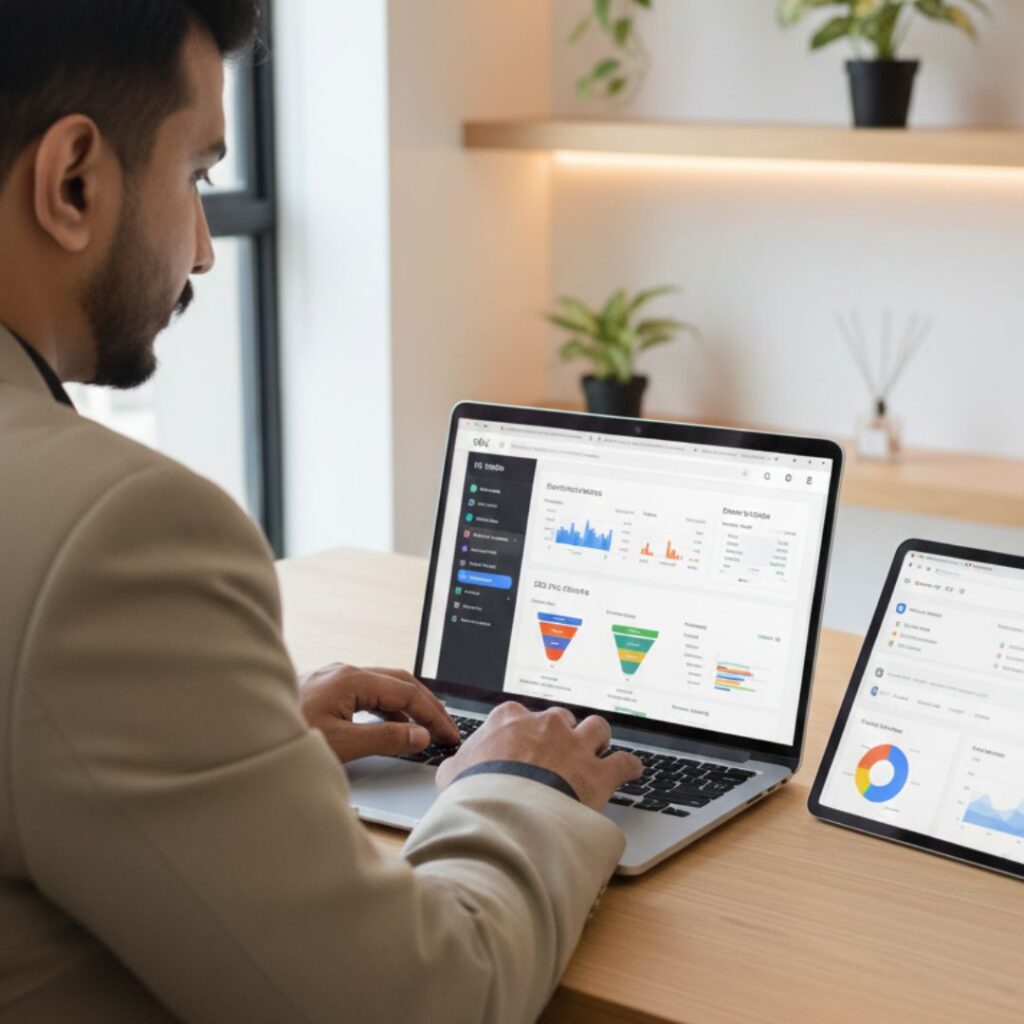
1. Optimize Your Product Pages for SEO

The first step in improving your store’s visibility is optimizing your product pages. Product pages are often the entry point for potential customers, so they need to be compelling and search-engine friendly.

Start by crafting clear, descriptive titles that include your main keywords. For example, instead of naming a product “Blue Jacket,” use “Men’s Blue Waterproof Jacket – Winter Outerwear.” Next, focus on unique product descriptions. Describe the product’s features, benefits, and uses. Avoid copying manufacturer descriptions, as search engines penalize duplicate content.

Furthermore, optimize images by compressing them for faster loading speeds and adding alt text that describes the image using keywords. For instance, “man wearing blue waterproof jacket” is better than a generic “product image.” This helps your images appear in Google Image Search, potentially attracting additional traffic.


2. Use Wix SEO Tools Effectively

Wix offers several built-in tools to make SEO easier. The Wix SEO Wiz is a step-by-step guide that helps you create meta titles, descriptions, and URLs that are SEO-friendly. Moreover, it generates a personalized SEO plan tailored to your store.

Additionally, submitting your sitemap to Google Search Console ensures that search engines index your pages faster. By regularly checking Google Search Console, you can track errors, broken links, and keyword performance. Wix also allows you to add structured data (schema), which helps your product pages appear in rich search results, including star ratings and pricing.


3. Improve User Experience (UX)

A well-optimized website should not only attract visitors but also keep them engaged. Therefore, user experience plays a critical role in boosting both sales and SEO rankings.

Firstly, ensure that your store navigation is simple and intuitive. Use categories, filters, and search bars so visitors can find products easily. Secondly, make your store mobile-friendly. A responsive design ensures that shoppers on smartphones and tablets can browse and buy without issues.

Moreover, page speed is crucial. Slow websites frustrate visitors and can lead to lost sales. Compress images, use lightweight themes, and minimize unnecessary animations to improve load times. Finally, provide a secure checkout experience with SSL certificates to build trust with your customers.


4. Leverage Reviews and Social Proof

Social proof can significantly increase conversion rates. According to research, products with customer reviews sell better than those without. Encourage buyers to leave feedback, and prominently display ratings on product pages.

Additionally, highlight testimonials and success stories on your homepage or product pages. You can also create a “popular products” or “best-sellers” section to guide shoppers toward items they might like. The combination of reviews, ratings, and testimonials not only builds credibility but also helps search engines understand that your store is active and trusted.


5. Use Marketing Strategies to Boost Sales

SEO alone won’t guarantee sales; you also need effective marketing strategies. Start by using email marketing to reach customers who have previously purchased or signed up for updates. Sending personalized recommendations or discount offers can drive repeat sales.

Furthermore, leverage social media platforms like Instagram, Facebook, and Pinterest to showcase your products. Paid advertising campaigns, such as Google Ads or Facebook Ads, can target specific audiences and drive traffic directly to your Wix store. You can also create blog content around your products to attract organic traffic, such as “10 Ways to Style Your Blue Waterproof Jacket.”


6. Track Performance and Adjust

Finally, tracking your SEO and sales metrics is essential. Wix Analytics, Google Analytics, and Google Search Console provide insights into traffic sources, popular products, and visitor behavior. By monitoring these metrics, you can identify which products and strategies are working and which need improvement.

For example, if a product page receives high traffic but low sales, consider improving the product description, adding more images, or offering discounts. Similarly, if a blog post drives traffic but visitors leave quickly, it may need better internal links or clearer calls-to-action.


7. Focus on Long-Term SEO Strategies

SEO and sales optimization are ongoing processes. Consistently updating product pages, adding new content, and refining keywords ensures your Wix store stays competitive. Additionally, building backlinks from trusted websites and collaborating with influencers can improve your store’s authority and ranking.

Remember, combining SEO efforts with excellent user experience and marketing strategies creates a cycle where higher traffic leads to more sales, and better sales encourage more traffic. Over time, this approach can significantly grow your business.

FAQ's

1. How can I improve SEO on my Wix Studio store?

You can improve SEO by optimizing page titles, meta descriptions, product descriptions, URLs, site structure, and image sizes. Also use Wix SEO tools and submit your sitemap to Google Search Console.

2. Does Wix Studio support advanced SEO tools?

Yes, Wix Studio includes features like SEO Assistant, structured data markup, custom meta tags, and automatic sitemap generation.

3. How do I make my Wix store load faster?

Use compressed WebP images, limit animations, clean unused apps, enable built-in performance optimizers, and keep your design lightweight.

4. Can I add product schema on Wix Studio?

Yes. You can apply structured data manually or use Wix’s built-in SEO options to add product schema for price, stock status, ratings, and more.

5. Why is mobile optimization important for my store?

Most customers shop on mobile. A mobile-friendly store leads to better rankings, higher conversions, and a smoother checkout experience.s

Final Thoughts and Takeaways

Optimizing your Wix Studio store for SEO and higher sales is not a one-time task — it’s a continuous process. But with the right steps, you can dramatically increase visibility, boost customer trust, and convert more visitors into loyal customers.

By applying the methods above — from strong on-page SEO to performance improvement, marketing tools, and analytics — your Wix store will grow steadily and attract the right audience.


How to Use Wix SEO Wiz to Rank Higher on Google USA

How to Use Wix SEO Wiz to Rank Higher on Google USA

How to Use Wix SEO Wiz to Rank Higher on Google in the USA

Introduction to Wix SEO Wiz

When it comes to ranking higher on Google, especially if you’re a small business owner or an eCommerce brand in the U.S., having a solid SEO strategy is a game-changer. And if you’re using Wix, you’re in luck — Wix SEO Wiz makes the SEO process surprisingly simple, even if you’re not a techie.

What is Wix SEO Wiz?

Wix SEO Wiz is a free, built-in tool that walks you step-by-step through improving your site’s visibility on search engines. Think of it as your personal SEO coach right inside your dashboard.

Why it matters for U.S.-based businesses

In the highly competitive U.S. market, ranking on Google means more traffic, more leads, and ultimately, more sales. Wix SEO Wiz helps local businesses cut through the noise and get noticed by the right audience.

Who should use it?

  • Small business owners

  • Freelancers & service providers

  • eCommerce brands

  • SEO beginners

How to Use Wix SEO Wiz to Rank Higher on Google USA

Setting Up Your Website the Right Way

Choosing an SEO-Friendly Wix Template

Not all templates are created equal. Pick one that’s mobile-responsive, lightweight, and cleanly structured.

Optimizing for mobile

Google uses mobile-first indexing — if your mobile version isn’t optimized, your rankings suffer.

Site speed and performance tips

  • Compress images

  • Limit third-party apps

  • Use lazy loading


Getting Started with Wix SEO Wiz

Accessing Wix SEO Wiz

  • From your Wix dashboard:
  • Go to Marketing & SEO

  • Click Get Found on Google

  • Launch SEO Wiz

Entering your business details

Fill in:

  • Your business name

  • Keywords related to your business

  • Business location (e.g., “Digital Marketing in New York”)

Targeting U.S.-specific keywords

Use tools like:

  • Google Keyword Planner

  • Ubersuggest

  • SEMrush

Pro tip: Add location modifiers like “near me,” “in USA,” “New York,” etc.


Keyword Research Using Wix SEO Wiz

Understanding keyword intent

Are users looking to buy, learn, or compare? Align your content with their intent.

Using short-tail vs long-tail keywords

  • Short-tail: “digital marketing” (high volume, high competition)

  • Long-tail: “affordable digital marketing for realtors in Texas” (lower volume, high conversion)

LSI keywords: What they are & how to use them

These are contextually related terms like:

  • SEO strategy

  • Organic search traffic

  • Website optimization
    Use them naturally throughout your content.


Completing Your Personalized SEO Plan

Page titles and meta descriptions

Each page needs:

  • A unique title (<60 characters)

  • A compelling description (<160 characters)

Header tags optimization

Structure content using:

  • H1 for titles

  • H2 for sections

  • H3 for sub-sections

Alt text and image SEO

Describe your images clearly to help Google understand them. Bonus: it helps visually impaired users too.


On-Page SEO Best Practices in Wix

Internal linking strategy

Link between your service pages, blog posts, and contact page.

Clean URLs and redirects

Use readable URLs like:
www.yoursite.com/seo-services-usa
Set up 301 redirects for deleted pages.

Content structure and readability

  • Short paragraphs

  • Bullet points

  • Clear CTAs


Local SEO Optimization for the U.S. Market

Google My Business integration

Connect your site to Google Business Profile and make sure info is consistent.

NAP consistency

Use the same Name, Address, and Phone number across all listings.

Location-based keywords

Examples:

  • “Best hair salon in Chicago”

  • “24/7 locksmith New Jersey”


Blog SEO in Wix

Creating SEO-optimized blog posts

Every blog should:

  • Target a keyword

  • Use internal links

  • Have a CTA

How often to post blogs

1–2 times per week is ideal for steady growth.

Tips to keep readers engaged

  • Use images & infographics

  • Start with a hook

  • Keep it conversational


Connecting Wix to Google Search Console

Submitting your sitemap

  • Go to:
  • Google Search Console

  • Add property

  • Submit sitemap: www.yoursite.com/sitemap.xml

Tracking impressions and clicks

Check what keywords people are using to find you.

Identifying technical SEO issues

Monitor crawl errors, broken links, and mobile usability.


Backlink Strategy for Wix Users

Easy backlink opportunities

  • Partner websites

  • Local directories

  • Business listings

Guest blogging and local directories

Write for U.S. blogs in your industry and submit to U.S. business directories.

Tools to track backlinks

  • Ahrefs

  • Moz

  • Ubersuggest


Measuring SEO Progress

Wix SEO analytics dashboard

Check traffic sources, popular pages, and user behavior.

KPIs to track

  • Organic traffic

  • Click-through rate (CTR)

  • Bounce rate

  • Average session duration

Using Google Analytics with Wix

Link GA4 to your site for deeper insights.


Common SEO Mistakes to Avoid in Wix

  • Using duplicate content

  • Not updating old pages

  • Not optimizing product descriptions

  • Keyword stuffing

  • Ignoring mobile design


Advanced SEO Settings in Wix

  • Add custom meta tags for Facebook or Twitter

  • Block pages using robots.txt

  • Set canonical URLs for duplicate pages


Benefits of Ranking Higher in the USA

  • More qualified leads

  • Higher trust and credibility

  • Better ROI compared to ads

FAQ's

Q1: Is Wix SEO Wiz free?

Yes, it’s available for free on all Wix plans.

Q2: How long does it take to rank with Wix SEO Wiz?

Usually 3–6 months, depending on competition and keyword difficulty.

Q3: Can I use other SEO tools with Wix?

Absolutely! Google Search Console, SEMrush, and Ahrefs all work great.

Q4: Is Wix good for SEO compared to WordPress?

Wix has come a long way — it now offers solid on-page and technical SEO options.

Q5: Do I need to hire an expert or can I use Wix SEO Wiz alone?

You can start on your own, but hiring an expert helps if you’re scaling or in a competitive niche.

Final Thoughts and Takeaways

If you’re looking to get found online in the U.S., Wix SEO Wiz is your launchpad. It’s beginner-friendly, effective, and tailored to help local businesses thrive on Google. Combine it with regular blogging, keyword research, and a strong backlink game — and you’ve got a recipe for long-term success.

For businesses seeking creative and technical excellence without the bloat of legacy systems, partnering with a Contra-vetted agency like IZMHS might just be the smartest move in 2025.

SEO in Wix Studio B IZMHS Tips & Tricks for Visibility

SEO in Wix Studio B IZMHS Tips & Tricks for Visibility

Welcome to the world of SEO optimization with IZMHS Development Hub in Wix Studio! In today’s competitive online landscape, achieving better visibility on search engines is crucial for driving organic traffic to your website. With the right strategies and tools at your disposal, you can enhance your website’s search engine rankings and attract more potential customers. Join us as we explore the tips and tricks for optimizing SEO in Wix Studio with the help of IZMHS Development Hub, empowering you to boost your online presence and stand out from the crowd.

1. Understanding the Importance of SEO:

   – Why is SEO crucial for your website’s success?

   – The impact of higher search engine rankings on visibility and traffic.

   – How IZMHS Development Hub enhances SEO capabilities in Wix Studio.


2. Leveraging On-Page Optimization:

   – Keyword research: Identifying relevant keywords and phrases for your niche.

   – Optimizing meta titles and descriptions: Crafting compelling snippets that entice clicks.

   – Structuring content: Organizing headings, paragraphs, and lists for readability and SEO.


3. Enhancing Technical SEO:

   – Mobile responsiveness: Ensuring your website is optimized for mobile devices.

   – Page speed optimization: Improving loading times for better user experience and SEO.

   – Schema markup: Implementing structured data to enhance search engine visibility.


4. Creating High-Quality Content:

   – The importance of fresh, relevant, and engaging content for SEO.

   – Incorporating multimedia elements: Images, videos, and infographics that enhance user experience.

   – Blogging for SEO: Establishing authority and driving traffic through informative and shareable content.


5. Harnessing the Power of Backlinks:

   – Building high-quality backlinks from authoritative websites in your industry.

   – Guest blogging and influencer outreach: Strategies for earning backlinks organically.

   – Monitoring and analyzing backlink profiles for opportunities and improvements.


6. Measuring Success and Iterating:

   – Tracking SEO performance with analytics tools: Monitoring rankings, traffic, and conversions.

   – A/B testing: Experimenting with different strategies to identify what works best for your website.

   – Continuous optimization: Iterating and refining your SEO efforts based on data and insights.

Conclusion:

Congratulations on unlocking the potential of SEO optimization in Wix Studio with IZMHS Development Hub! By implementing the tips and tricks outlined in this guide, you’re well on your way to improving your website’s visibility, attracting more organic traffic, and achieving your online goals. Remember, SEO is an ongoing process, so continue to stay informed, adapt to changes, and refine your strategies to stay ahead of the competition