
How to Optimize Your Wix Studio Store for SEO and Higher Sales

How to Optimize Your Wix Studio Store for SEO and Higher Sales

Running an online store on Wix Studio is a great choice — the platform is powerful, flexible, and packed with tools that help both beginners and professionals build beautiful e-commerce websites. But design alone is not enough. To truly grow your store, you need strong SEO and a well-optimized sales experience.

In this guide, you’ll learn practical steps to boost your store’s visibility on search engines and increase conversions from visitors to paying customers.
1. Optimize Your Product Pages for SEO

The first step in improving your store’s visibility is optimizing your product pages. Product pages are often the entry point for potential customers, so they need to be compelling and search-engine friendly.

Start by crafting clear, descriptive titles that include your main keywords. For example, instead of naming a product “Blue Jacket,” use “Men’s Blue Waterproof Jacket – Winter Outerwear.” Next, focus on unique product descriptions. Describe the product’s features, benefits, and uses. Avoid copying manufacturer descriptions, as search engines penalize duplicate content.

Furthermore, optimize images by compressing them for faster loading speeds and adding alt text that describes the image using keywords. For instance, “man wearing blue waterproof jacket” is better than a generic “product image.” This helps your images appear in Google Image Search, potentially attracting additional traffic.


2. Use Wix SEO Tools Effectively

Wix offers several built-in tools to make SEO easier. The Wix SEO Wiz is a step-by-step guide that helps you create meta titles, descriptions, and URLs that are SEO-friendly. Moreover, it generates a personalized SEO plan tailored to your store.

Additionally, submitting your sitemap to Google Search Console ensures that search engines index your pages faster. By regularly checking Google Search Console, you can track errors, broken links, and keyword performance. Wix also allows you to add structured data (schema), which helps your product pages appear in rich search results, including star ratings and pricing.


3. Improve User Experience (UX)

A well-optimized website should not only attract visitors but also keep them engaged. Therefore, user experience plays a critical role in boosting both sales and SEO rankings.

Firstly, ensure that your store navigation is simple and intuitive. Use categories, filters, and search bars so visitors can find products easily. Secondly, make your store mobile-friendly. A responsive design ensures that shoppers on smartphones and tablets can browse and buy without issues.

Moreover, page speed is crucial. Slow websites frustrate visitors and can lead to lost sales. Compress images, use lightweight themes, and minimize unnecessary animations to improve load times. Finally, provide a secure checkout experience with SSL certificates to build trust with your customers.


4. Leverage Reviews and Social Proof

Social proof can significantly increase conversion rates. According to research, products with customer reviews sell better than those without. Encourage buyers to leave feedback, and prominently display ratings on product pages.

Additionally, highlight testimonials and success stories on your homepage or product pages. You can also create a “popular products” or “best-sellers” section to guide shoppers toward items they might like. The combination of reviews, ratings, and testimonials not only builds credibility but also helps search engines understand that your store is active and trusted.


5. Use Marketing Strategies to Boost Sales

SEO alone won’t guarantee sales; you also need effective marketing strategies. Start by using email marketing to reach customers who have previously purchased or signed up for updates. Sending personalized recommendations or discount offers can drive repeat sales.

Furthermore, leverage social media platforms like Instagram, Facebook, and Pinterest to showcase your products. Paid advertising campaigns, such as Google Ads or Facebook Ads, can target specific audiences and drive traffic directly to your Wix store. You can also create blog content around your products to attract organic traffic, such as “10 Ways to Style Your Blue Waterproof Jacket.”


6. Track Performance and Adjust

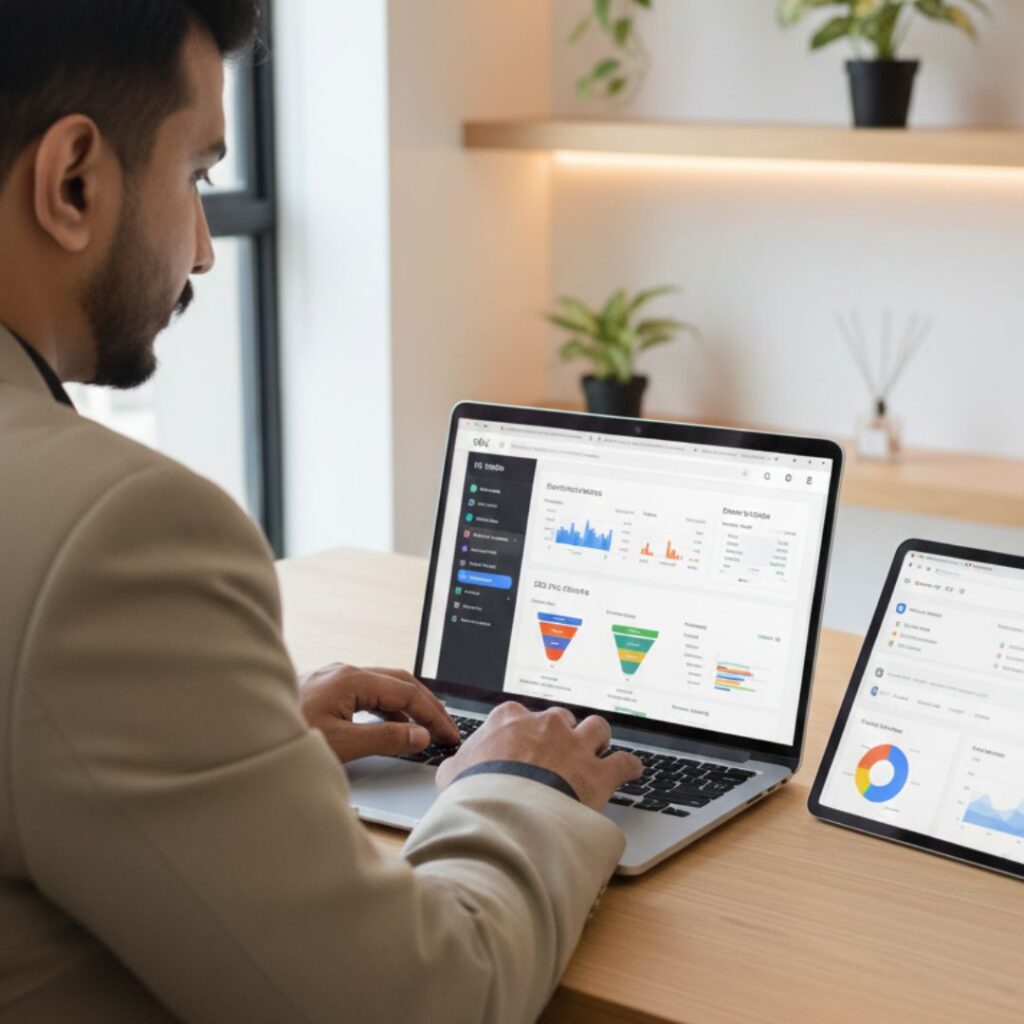
Finally, tracking your SEO and sales metrics is essential. Wix Analytics, Google Analytics, and Google Search Console provide insights into traffic sources, popular products, and visitor behavior. By monitoring these metrics, you can identify which products and strategies are working and which need improvement.

For example, if a product page receives high traffic but low sales, consider improving the product description, adding more images, or offering discounts. Similarly, if a blog post drives traffic but visitors leave quickly, it may need better internal links or clearer calls-to-action.


7. Focus on Long-Term SEO Strategies

SEO and sales optimization are ongoing processes. Consistently updating product pages, adding new content, and refining keywords ensures your Wix store stays competitive. Additionally, building backlinks from trusted websites and collaborating with influencers can improve your store’s authority and ranking.

Remember, combining SEO efforts with excellent user experience and marketing strategies creates a cycle where higher traffic leads to more sales, and better sales encourage more traffic. Over time, this approach can significantly grow your business.

FAQ's

1. How can I improve SEO on my Wix Studio store?

You can improve SEO by optimizing page titles, meta descriptions, product descriptions, URLs, site structure, and image sizes. Also use Wix SEO tools and submit your sitemap to Google Search Console.

2. Does Wix Studio support advanced SEO tools?

Yes, Wix Studio includes features like SEO Assistant, structured data markup, custom meta tags, and automatic sitemap generation.

3. How do I make my Wix store load faster?

Use compressed WebP images, limit animations, clean unused apps, enable built-in performance optimizers, and keep your design lightweight.

4. Can I add product schema on Wix Studio?

Yes. You can apply structured data manually or use Wix’s built-in SEO options to add product schema for price, stock status, ratings, and more.

5. Why is mobile optimization important for my store?

Most customers shop on mobile. A mobile-friendly store leads to better rankings, higher conversions, and a smoother checkout experience.s

Final Thoughts and Takeaways

Optimizing your Wix Studio store for SEO and higher sales is not a one-time task — it’s a continuous process. But with the right steps, you can dramatically increase visibility, boost customer trust, and convert more visitors into loyal customers.

By applying the methods above — from strong on-page SEO to performance improvement, marketing tools, and analytics — your Wix store will grow steadily and attract the right audience.
Voice Search & Conversational UX for Websites

Voice Search & Conversational UX for Websites

In today’s digital-first world, voice search and conversational UX are not merely fringe trends — they’re becoming essential for websites that want to stay relevant, accessible and visible. If you’re a developer, designer or website owner, understanding how to implement and optimise for voice search conversational UX can set you apart from the competition.

Why Voice Search & Conversational UX Matter

The shift in how users interact

  • Users increasingly replace typing with speaking. One article notes that as voice assistants become ubiquitous, the way we search online is evolving. 

  • Queries via voice tend to be longer, phrased in more natural language, and often in question form (e.g., “Where’s the best coffee shop near me?”) rather than keywords like “best coffee shop”. 

  • Websites with a good conversational UX design can provide more intuitive, human-like interactions, which improve engagement and satisfaction. 

Why this matters for SEO & UX

  • When users speak queries, they expect quick, relevant answers. If your website can’t deliver that, you risk losing the user.

  • For SEO, voice search optimisation helps you tap into a new and growing segment of traffic. Especially for mobile and local queries. 

  • Conversational UX isn’t just about voice commands — it’s about designing interfaces (voice + chat + UI) that behave more naturally, reducing friction and making tasks smoother

The Core Components of Voice Search Conversational UX

To get your website ready for voice search & conversational UX, focus on three key areas:

1. Conversational Content & Keywords

  • Use long-tail keywords phrased as full questions, not just single keywords. E.g., “How do I optimise my website for voice search?” rather than “voice search optimisation”

  • Write in a conversational tone: imagine you’re answering someone who just asked you the question out loud. This helps match how users speak their queries. 

  • Create FAQ-style sections that anticipate the questions your users will ask. These are especially effective for voice search.

2. Technical & UX Readiness for Voice

  • Ensure fast page loading, mobile-friendly design, and clear structure. Many voice queries come from mobile or smart-devices. 

  • Use structured data (schema markup) so that search engines (and voice assistants) can easily interpret your content and pull useful answers. 

  • Consider the conversational interface: if you implement voice or chat UI, guide users naturally, handle mis-recognition gracefully, and offer fallback options (text input).

3. Local & Contextual Optimisation

  • Many voice queries are “near me” or want local information: e.g., “Find a vegetarian restaurant near Karachi.” Optimise for local SEO to capture this. 

  • Understand user intent: Are they asking for information, navigation, or transaction? Tailor your content accordingly. 

  • Make your UX inclusive: voice search is especially useful for accessibility (users who prefer speaking over typing). Designing with accessibility in mind improves both UX and SEO. 


How to Optimise Your Website for Voice Search Conversational UX

Here’s a step-by-step actionable roadmap you can implement:

  1. Audit your current content:
    • Identify pages that answer questions.

    • Find opportunities to convert content into conversational Q&A format (e.g., “What is…?”, “How do I…?”, “Where can I…?”).

  2. Keyword research for voice:
    • Use tools like AnswerThePublic to find common question-based queries. 

    • Focus on longer phrases, natural language, and multiple ways people might ask the same thing.

  3. Rewrite or create content:
    • Use a conversational tone.

    • Provide direct, concise answers near the top of the content (ideal for featured snippets). 

    • Use headings with question-phrases, and answer clearly.

  4. Implement UX & technical improvements:
    • Ensure fast load times, mobile responsiveness, clear navigation.

    • Add schema markup to key pages (FAQ schema, LocalBusiness schema).

    • If using voice or chat UI: test voice recognition, fallback to text, provide confirmations/feedback for users.

  5. Local optimisation (if applicable):
    • Include location-specific phrases (“near me”, “in Karachi”, etc).

    • Ensure your Google Business Profile (or local listing) is up-to-date.

  6. Monitor results & iterate:
    • Use Google Search Console to track queries, especially those shown as “questions”.

    • Look at metrics: dwell time, bounce rate, conversion from voice-friendly content.

    • Refine based on what voice users are asking and how your site’s answering.


Mistakes to Avoid

  • Using only short, generic keywords: e.g., “best e-commerce platform” instead of “Which is the best e-commerce platform for small business 2025?”

  • Treating voice search the same as traditional search: voice search requires different phrasing, structure and tone.

  • Ignoring mobile and voice UI constraints: slow pages, complicated navigation hurt voice-driven UX.

  • Forgetting local & contextual factors: ignoring “near me”, assuming typing behaviour.

  • Not structuring content for quick answers: voice assistants favour content that directly answers a question.


Future Trends & What to Watch

  • The shift to voice is accelerating: content sources forecast nearly half of all online searches will be voice-based. 

  • Conversational UI (voice + chat) will become more standard in web applications and websites. 

  • Improved Natural Language Processing (NLP) will make assistants better at context, follow-up questions and handling multi-step queries — so your site should anticipate deeper conversational flows.

  • As voice and local search grow, expect more “zero-click” results (answers provided directly by assistants) — making it even more important to be structured and authoritative.

FAQ's

Q: What is the difference between voice search and conversational UX?

Voice search refers to the act of using spoken words (via smart-devices, assistants) to query content. Conversational UX refers to designing the overall experience (voice, chat, interface) that allows a natural, human-like conversation with a website or app.

Q: ill it take to see results from voice-search optimisation?

It depends on your site’s current state, competition and how well you implement. Some results (like improved engagement) can be seen quickly. But ranking for voice queries — especially featured snippets — can take several months of consistent effort.

Q: Do I need to build a voice assistant for my website to benefit?

No. Many benefits come from optimising content and UX for the way people speak and search. Building a full voice-assistant interface is optional and depends on your use-case.

Final Thoughts and Takeaways

If you still view voice search and conversational UX as optional extras for your website — it’s time to reconsider. The truth is that voice search conversational UX is changing how users find, interact with, and navigate websites. By adapting your content, UX design, technical foundation and SEO strategy now, you prepare your site for the future — and gain an edge today.

Start by making your website speak human. Use conversational questions, design your UX to listen and respond, optimise for voice and local search — and you’ll not only serve your users better, you’ll boost your ranking potential too.