
From No-Code to Custom Code: How Developers Can Fully Leverage Wix Studio

From No-Code to Custom Code: How to Leverage Wix Studio as a Developer

Wix Studio has rapidly evolved from a simple, drag-and-drop website builder into a powerful, developer-friendly platform that blends no-code convenience with custom code freedom. In 2025, it stands as one of the most balanced tools for developers who want speed, flexibility, scalability, and design control—all in one place.

Whether you’re a front-end developer, a full-stack developer, or a freelancer working with clients, Wix Studio helps you build websites faster while still allowing deep customization through CSS, JavaScript, APIs, and advanced integrations.

In this blog, we’ll explore how you can take a project from no-code simplicity to full custom-coded power using Wix Studio.
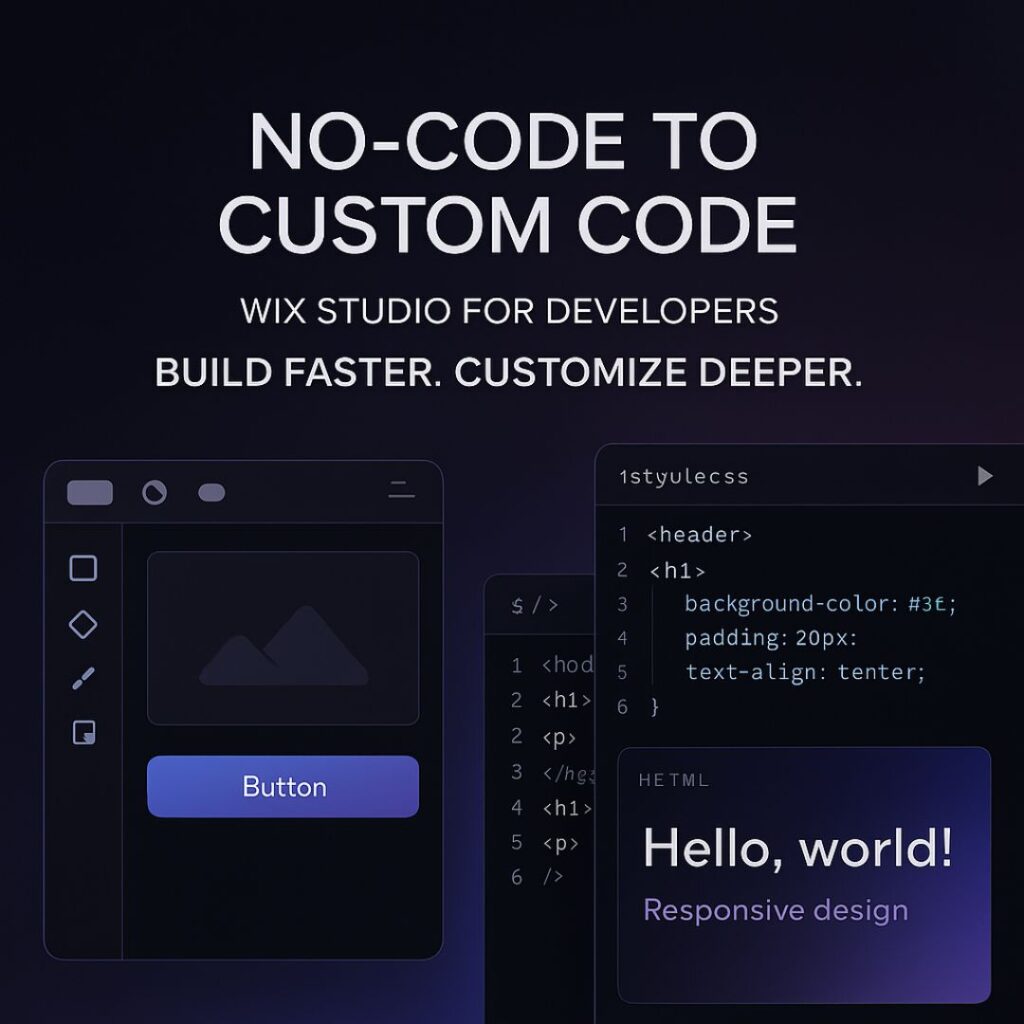
1. Why Wix Studio Is Perfect for Developers

Wix Studio is designed specially for professionals. It offers:

  • Full responsive design tools

  • Ability to add custom CSS

  • No-code animations

  • Integrated Wix CMS

  • Component-based design

  • Reusable layouts

  • Built-in business tools (eCommerce, bookings, events)

  • Developer-friendly workflows through Velo

This makes it ideal for developers who want to build fast without losing control.


2. Start With No-Code: Build Structure, Layout, and Visual Foundation

The no-code tools in Wix Studio are not “basic” — they are powerful and save hours of development time.

What you can do with no-code:

  • Create perfect responsive layouts with built-in breakpoints

  • Use modern sections (sticky, scroll effects, pinned elements)

  • Add animations without writing JS

  • Build mobile, tablet, and desktop variations

  • Use design libraries to keep branding consistent

This allows you to set up the entire visual foundation of the website quickly.

Instead of manually coding everything from scratch, you can focus your energy on the elements that truly need customization.


3. Add Custom CSS for Pixel-Perfect Design Control

Developers can go beyond presets by injecting CSS directly into Wix Studio.

Use cases of custom CSS:

  • Creating unique hover effects

  • Designing complex gradients

  • Customizing buttons, cards, and layouts

  • Adding dark mode styling

  • Fine-tuning animations

  • Improving typography and spacing

  • Overriding default Wix limitations

With CSS, your designs look premium, polished, and professional.


4. Use Velo (Wix’s Developer Tooling) for Advanced Logic

Velo allows you to add JavaScript and custom backend logic.

What you can build using Velo:

  • Dynamic pages pulling data from a CMS

  • Custom forms with validation

  • API integrations (payment gateways, CRMs, AI APIs, etc.)

  • Fetching external data with HTTP functions

  • Building user dashboards

  • Automated workflows and backend jobs

  • Connecting databases or creating your own collections

This is where Wix Studio becomes extremely powerful — it’s not just visual design, it’s full web application development inside one platform.


5. Integrate Third-Party APIs to Extend Functionality

For developers, API integration is essential.
Wix Studio + Velo allows:

  • Payment integrations

  • AI tools

  • Marketing automation

  • CRM tools

  • Custom analytics

  • Product databases

  • Shipping + logistics APIs

  • Social media interactions

You can turn a simple Wix site into a complete web platform using APIs.


6. Build Reusable Components to Speed Up Future Projects

One underrated feature in Wix Studio is Reusable Components.

You can create a design element once and re-use it across multiple pages or multiple client projects.
This saves time and maintains consistency.

Reusable components work especially well for:

  • Navigation bars

  • Hero sections

  • CTA buttons

  • Product cards

  • Forms

  • Footers

For agencies or freelancers, this is a massive productivity booster.


7. A Developer’s Workflow: No-Code → Custom CSS → Velo

Here’s a recommended workflow to maximize your efficiency:

Step 1: Start No-Code

Build the layout visually using Wix Studio’s modern design tools.

Step 2: Add Custom CSS

Enhance the design and create advanced styling.

Step 3: Add Logic Using Velo

Integrate dynamic data, backend logic, and external APIs.

Step 4: Optimize

  • Add SEO tags

  • Optimize images

  • Minify code

  • Improve performance settings

This workflow ensures your website is both beautiful and technically strong.


8. SEO in Wix Studio: How Developers Can Improve Rankings

Wix Studio provides advanced SEO tools:

  • Custom meta tags

  • Structured data markup

  • 301 redirects

  • Page indexing controls

  • Image optimization

  • Automatic caching + CDN

To rank on the first page, make sure you:

  • Add relevant keywords

  • Improve mobile performance

  • Use proper heading structure (H1, H2, H3)

  • Add internal links

  • Write high-quality long-form content

  • Optimize images with ALT tags

Wix Studio already handles speed, caching, and security — so your job is much easier.

FAQ's

1. Is Wix Studio good for developers?

Yes. Wix Studio includes custom CSS, JavaScript, API integrations, dynamic data, and the Velo development environment, making it highly developer-friendly.

2. Can I write custom code in Wix Studio?

Absolutely. You can add custom CSS for design and Velo JavaScript for logic, automation, and advanced functionality.

3. Is Wix Studio better than the classic Wix Editor?

Yes. Wix Studio offers advanced responsive design, custom code capabilities, and professional tools for developers and agencies.

4. Can I integrate APIs in Wix Studio?

Yes. With Velo, you can integrate external APIs, authentication systems, databases, CRMs, and more.

5. Does Wix Studio support dark-theme websites?

Yes. You can build dark-theme layouts using custom CSS, design tokens, gradients, and reusable design libraries.

Final Thoughts and Takeaways

Wix Studio is the perfect bridge between no-code simplicity and full-stack flexibility. Whether you’re a freelancer, a front-end developer, or an agency, you can build fast, customize deeply, and scale easily.

By combining responsive no-code design, custom CSS, Velo JavaScript, and powerful CMS tools, Wix Studio becomes a complete development ecosystem — ready for 2025 and beyond.

Mastering Wix Studio Editor: A Pro’s Blueprint for Fast, Beautiful Sites

Mastering Wix Studio Editor: A Pro’s Blueprint for Fast, Beautiful Sites

In today’s digital world, speed, design, and user experience matter more than ever. Whether you’re a web designer, freelancer, or business owner, the website-building platform you choose can make or break your online presence. Wix Studio Editor is quickly becoming the go-to tool for professionals who want flexibility, power, and efficiency — all without needing to write complex code.

Wix Studio brings together powerful responsive tools, advanced grid layouts, AI-driven smart features, and a refined UI built specifically for creative teams and agencies. This guide will walk you through everything you need to know to master the Wix Studio Editor and create fast, beautiful, and high-converting websites with ease.

Let’s dive deep into how this editor works and how you can fully leverage it to build professional-grade websites.

1. What is Wix Studio Editor?

Wix Studio Editor is an upgraded, agency-level version of Wix’s classic editor. It is built for professional web designers who want more control over layouts, responsiveness, and performance.

Unlike the regular Wix Editor, Wix Studio offers:

  • A grid-based design system

  • Fluid responsive controls

  • A layer panel similar to Figma/Webflow

  • Component system for reusability

  • Advanced animation + motion tools

  • Built-in AI for design and content

  • Cleaner UI for faster work

Wix Studio essentially gives you the power of Webflow combined with the simplicity of Wix — making it ideal for both beginners and experts.


2. Why Professionals Prefer Wix Studio

2.1. Full Control Over Responsiveness

Responsiveness is the future of web design. With users browsing on thousands of screen sizes, your website must adapt perfectly.
Wix Studio allows you to:

  • Adjust docking for each screen

  • Customize grid behavior

  • Change sizes, margins, and padding individually

  • Set custom breakpoints

  • Scale elements fluidly

This level of precision allows you to create pixel-perfect tablet and mobile designs.


2.2. Advanced Grid Layout System

Wix Studio’s grid system makes layout building clean and efficient.
You can create:

  • Multi-column layouts

  • Fixed and fluid sections

  • Full-width containers

  • Overlapping designs with structured layers

This helps maintain alignment and improves visual consistency — essential for professional websites.


2.3. Component-Based Workflow

Components are one of the biggest time-saving features in Wix Studio.
They allow you to:

  • Reuse headers, footers, product cards, buttons

  • Update them globally in one click

  • Maintain design consistency across pages

This is especially helpful for agencies managing multi-page websites and multiple client sites.


2.4. AI-Powered Design Assistance

Wix Studio integrates AI tools that help you:

  • Generate text quickly

  • Create layout suggestions

  • Auto-fix alignment

  • Improve responsive behavior

This reduces manual work and speeds up your design process dramatically.


2.5. Developer Mode for Custom Logic

For users who want to add dynamic functionality or custom interactions, Dev Mode offers:

  • JavaScript support

  • Velo APIs

  • Custom events

  • Dynamic content features

This makes Wix Studio powerful enough for complex websites while staying beginner-friendly.


3. Key Features of Wix Studio You Must Learn

3.1. Structure & Layers Panel

Like design tools such as Figma, Wix Studio includes a layers panel where you can see each element of your layout.
This helps you:

  • Organize elements

  • Adjust z-index

  • Lock and hide layers

  • Create cleaner structures

For large websites, this is a game changer.


3.2. Fluid Sizing and Docking

Fluid sizing allows elements to scale as the screen widens or shrinks.
Docking ensures elements stay aligned properly (left, right, center, etc.).
These two together create a flexible, responsive design without breaking layout structure.


3.3. Section Presets & Layout Controls

Wix Studio includes beautifully designed presets for:

  • Hero sections

  • Grids

  • Product displays

  • Galleries

  • Contact sections

These presets speed up your workflow and keep designs professional.


3.4. Motion & Scroll Interactions

You can add modern animations such as:

  • Fade-in

  • Slide

  • Parallax

  • Scroll effects

  • Reveal animations

These make your website feel premium and interactive without slowing it down.


4. How to Build Fast Websites With Wix Studio

Speed matters for SEO, conversions, and user experience. Here’s how to keep your Wix Studio website fast:


4.1. Optimize Images Before Uploading

Use tools like TinyPNG or WebP conversion.
Large images are the biggest reason websites slow down.


4.2. Use Simple Animations

Heavy animations can drop performance.
Stick to:

  • Light fades

  • Subtle motions

  • Short durations

This keeps the UI smooth.


4.3. Use Components to Reduce Redundant Elements

Components reduce repeated elements and improve loading structure.
Cleaner structure = faster site.


4.4. Minimize Third-Party Scripts

Avoid unnecessary scripts like chatbots, popups, and external fonts.
The more scripts you add, the slower your site becomes.


4.5. Choose a Clean Homepage Layout

Your homepage should load within 2–3 seconds.
Avoid heavy videos or oversized galleries at the top.


5. SEO Best Practices for Wix Studio Websites

Wix Studio comes with strong SEO capabilities, but you must set them up correctly.


5.1. Set Your Site Structure Properly

Use clear, organized pages and subpages.
Example:

  • Home

  • About

  • Services

  • Services → Web Design

  • Services → Branding

  • Contact

A clean structure helps Google crawl your website faster.


5.2. Use Proper Heading Hierarchy

Google reads headings to understand page content.
Correct structure:

  • 1× H1

  • H2 for main sections

  • H3 for subsections

This improves keyword ranking.


5.3. Add Alt Text to All Images

Alt text describes your image for:

  • Google search

  • Screen readers

  • Accessibility tools

Example alt text for a hero image:
“Designer working on Wix Studio Editor interface on laptop.”


5.4. Optimize Page Speed

Use:

  • Compressed images

  • Minimal animations

  • Lightweight sections

  • Built-in Wix caching tools


5.5. Use Wix SEO Assistant

This feature guides you with keywords, metadata, structure, and content improvements.


6. Who Should Use Wix Studio?

Wix Studio is ideal for:

Designers & Creative Agencies

It offers the professional-level tools needed to deliver high-quality client websites.

Freelancers

Fast workflow + clean design options = more clients + more income.

Small Businesses

Build and manage your own site without hiring developers.

Beginners

Clean UI + presets + AI help make it easy to learn.

FAQ's

1. What is Wix Studio Editor?

Wix Studio Editor is an advanced website-building platform designed for professional designers, agencies, and freelancers. It offers full responsive control, grid-based layouts, reusable components, AI-assisted design, and optional developer mode for custom functionality.


2. Who should use Wix Studio Editor?

Wix Studio is perfect for:

  • Designers and creative agencies

  • Freelancers building client websites

  • Small business owners managing their own sites

  • Beginners who want professional results without coding


3. Can I make responsive websites with Wix Studio?

Yes. Wix Studio provides advanced responsive controls, allowing you to customize layouts for desktop, tablet, and mobile screens. You can adjust spacing, docking, scaling, and breakpoints to ensure a pixel-perfect design on all devices.


4. Do I need coding knowledge to use Wix Studio?

No. Wix Studio is beginner-friendly and most features can be used without coding. However, developer mode allows you to add custom JavaScript or APIs if needed for advanced functionality.


5. How can Wix Studio help improve website speed?

Wix Studio offers:

  • Optimized images and automatic compression

  • Lightweight sections and clean grid layouts

  • Subtle animations instead of heavy effects

  • Built-in caching tools
    Following these practices ensures fast-loading websites that perform well on Google.

Final Thoughts and Takeaways

Wix Studio Editor is a powerful platform that bridges the gap between simplicity and advanced design. Whether you’re building a personal portfolio or a large-scale business website, Wix Studio gives you the control, flexibility, and professional features required to build fast, beautiful, and modern websites.

By mastering its responsive controls, components, grid system, and SEO tools, you can create stunning websites that look polished on every device and perform exceptionally well.

If you’re aiming for efficiency, professionalism, and creative control — Wix Studio Editor is one of the best platforms available today.

Wix Studio animations

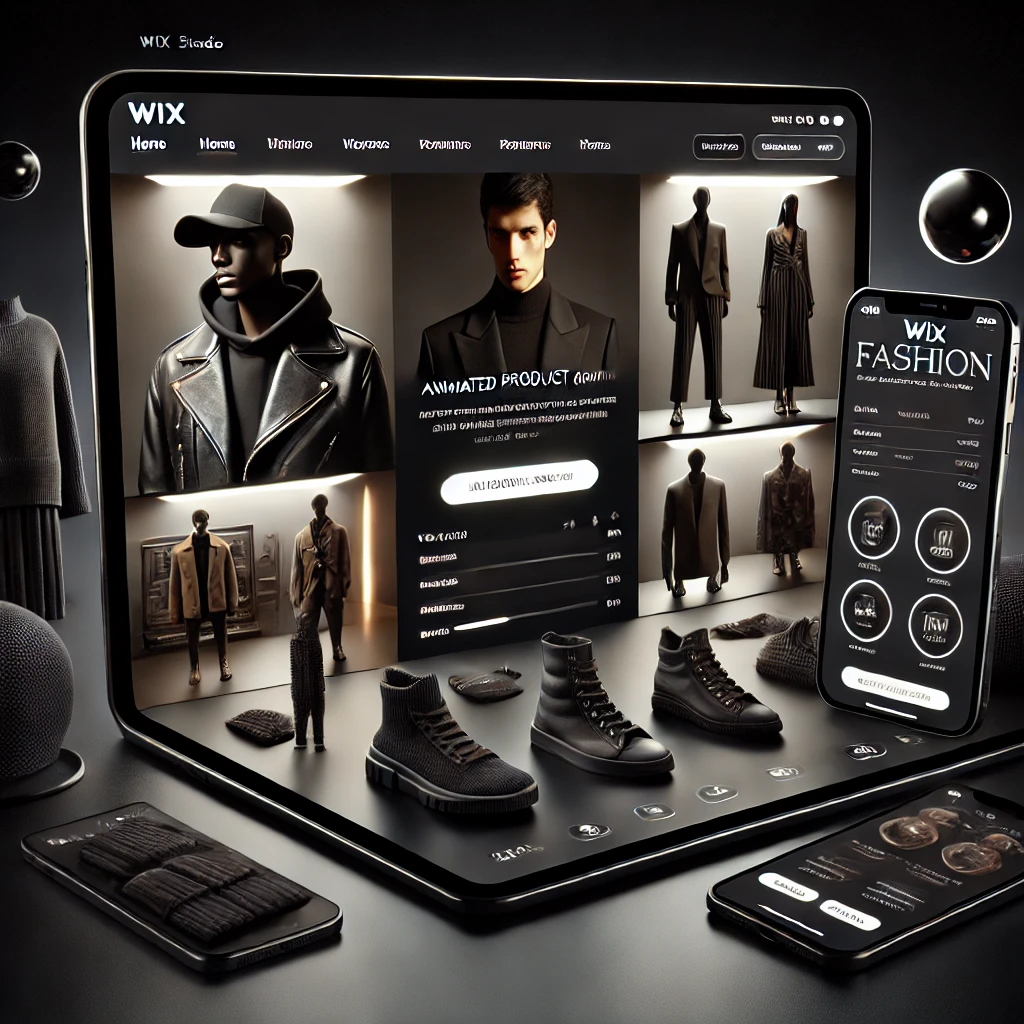
How Wix Studio Animations Can Elevate Your US Fashion Brand’s Online Store

The Benefits of Using Wix Studio Animations to Elevate Your US Fashion Brand’s Online Store

In today’s fast-paced digital world, the fashion industry is more competitive than ever—especially in the U.S. market. With thousands of fashion brands vying for attention online, standing out is no longer optional—it’s essential. One of the most effective and creative ways to captivate your audience and increase user engagement is by integrating Wix Studio animations into your online store.

From seamless hover effects to scroll-triggered transitions, Wix Studio offers a suite of animation tools that can bring your brand’s visual storytelling to life. This article explores how Wix Studio animations can transform your fashion eCommerce presence, enhance user experience, and ultimately drive more conversions.

Wix Studio animations

1. Enhanced Visual Storytelling

Fashion is visual by nature. Shoppers are drawn to design, texture, and movement—and static product pages just won’t cut it anymore. Wix Studio animations allow you to create dynamic visual experiences that reflect your brand’s identity.

Examples:

  • Add smooth fade-ins for new arrivals

  • Use animated text to highlight seasonal promos

  • Create parallax scroll effects on lookbooks

🎯 SEO Tip: Enhancing UX with animations reduces bounce rate—a key SEO signal that improves your Google ranking.


2. Improved User Engagement and Retention

Interactive animations can guide users naturally through your online store. Whether it’s a subtle image zoom on hover or a call-to-action (CTA) that pulses gently to draw attention, animations can encourage users to explore more pages and spend more time on your site.

Key Benefits:

  • Keeps visitors engaged

  • Encourages scrolling and product discovery

  • Boosts average session duration (an SEO win!)

💡 Pro Tip: Pair animations with clear navigation and fast load times to maximize user retention and Core Web Vitals performance.


3. Stronger Brand Identity and Recognition

Consistency is key in fashion branding. Wix Studio lets you animate custom fonts, logos, and layouts, so your store reflects your unique aesthetic across every interaction.

Whether your brand is minimalistic, bold, retro, or streetwear-inspired, animations help reinforce that identity from homepage to checkout.

Animation Ideas:

  • Animate your logo on page load

  • Reveal product categories with scroll effects

  • Use hover-triggered animations to highlight sales items


4. Boosted Conversion Rates

Animations aren’t just pretty—they’re powerful. Strategic animation can draw attention to CTAs, promotions, and limited-time offers, nudging customers closer to conversion.

Effective Animation Tactics:

  • Use motion to emphasize “Add to Cart” buttons

  • Highlight bestsellers with micro-interactions

  • Animate countdown timers for flash sales

📈 According to UX research, motion cues can increase conversion rates by up to 20% when used wisely.


5. Mobile-Friendly Animation for Fashion on the Go

More than 70% of online fashion shoppers in the U.S. browse from their phones. Wix Studio ensures that animations remain smooth and responsive across devices, supporting a mobile-first design strategy critical for SEO and user satisfaction.

Optimization Tips:

  • Use mobile-friendly triggers (like tap instead of hover)

  • Test animations on various devices for visual stability

  • Optimize assets to keep load times under 2.5 seconds


6. Voice Search and Accessibility Compatibility

With more consumers using voice assistants and accessibility tools, it’s essential to build animations that are inclusive and non-intrusive. Wix Studio makes it easy to implement animations that don’t hinder accessibility, keeping your store ADA-compliant.

Accessibility Guidelines:

  • Avoid flashing or fast-moving animations

  • Provide alternative navigation options

  • Use ARIA labels with animated elements


7. SEO Benefits of Interactive Design

Google rewards sites that offer exceptional user experiences. Animations that improve usability, keep users on-site longer, and increase engagement directly influence your SEO rankings.

Technical SEO Enhancements:

  • Reduce layout shifts (CLS) with stable animation timing

  • Preload animation assets for faster FCP (First Contentful Paint)

  • Optimize animations for lazy-loading on scroll

FAQ's

1. What are Wix Studio animations?

Wix Studio animations are advanced visual effects and transitions built into the Wix Studio platform. They allow you to animate elements such as images, text, buttons, and sections, helping create an interactive and dynamic user experience on your website.


2. How can animations improve my fashion brand’s online store?

Animations can enhance visual storytelling, increase user engagement, guide browsing behavior, and make your store feel more modern and luxurious. For fashion brands, this means a more immersive shopping experience that can lead to higher conversions.


3. Are Wix Studio animations mobile-friendly?

Yes. Wix Studio animations are designed to be responsive and mobile-optimized. You can configure animations specifically for mobile views to ensure smooth performance and visual stability on smartphones and tablets.


4. Do animations slow down my website?

Animations can impact load time if not optimized correctly. However, Wix Studio provides performance tools like lazy loading and asset compression to keep your site fast and responsive. Prioritize lightweight animations and test performance on mobile devices.


5. Can I use animations without coding on Wix Studio?

Absolutely. Wix Studio allows you to add and customize animations using an intuitive drag-and-drop editor—no coding required. You can set triggers like scroll, hover, or page load to activate animations.

Final Thoughts: Animate with Purpose, Elevate with Style

Using Wix Studio animations to enhance your fashion brand’s online store is more than a design trend—it’s a growth strategy. Whether you’re launching a streetwear label, a luxury boutique, or a sustainable fashion line, the right animations can turn your online store into an immersive shopping destination.

By combining beautiful visual storytelling with high-performance design, you’re not just selling fashion—you’re selling a lifestyle

For businesses seeking creative and technical excellence without the bloat of legacy systems, partnering with a Contra-vetted agency like IZMHS might just be the smartest move in 2025.