How Wix Studio’s New AI Tools Are Transforming Web Design Workflows
The U.S. web design industry is moving at a pace we’ve never seen before. Brands want sites faster, agencies want smoother workflows, and freelancers want tools that help them work smarter—not harder. That’s exactly where Wix Studio’s new AI tools are rewriting the rules.
Wix Studio has evolved into a fully AI-powered ecosystem. From generating layouts to writing code, it gives American designers a competitive edge in a market where time is everything.
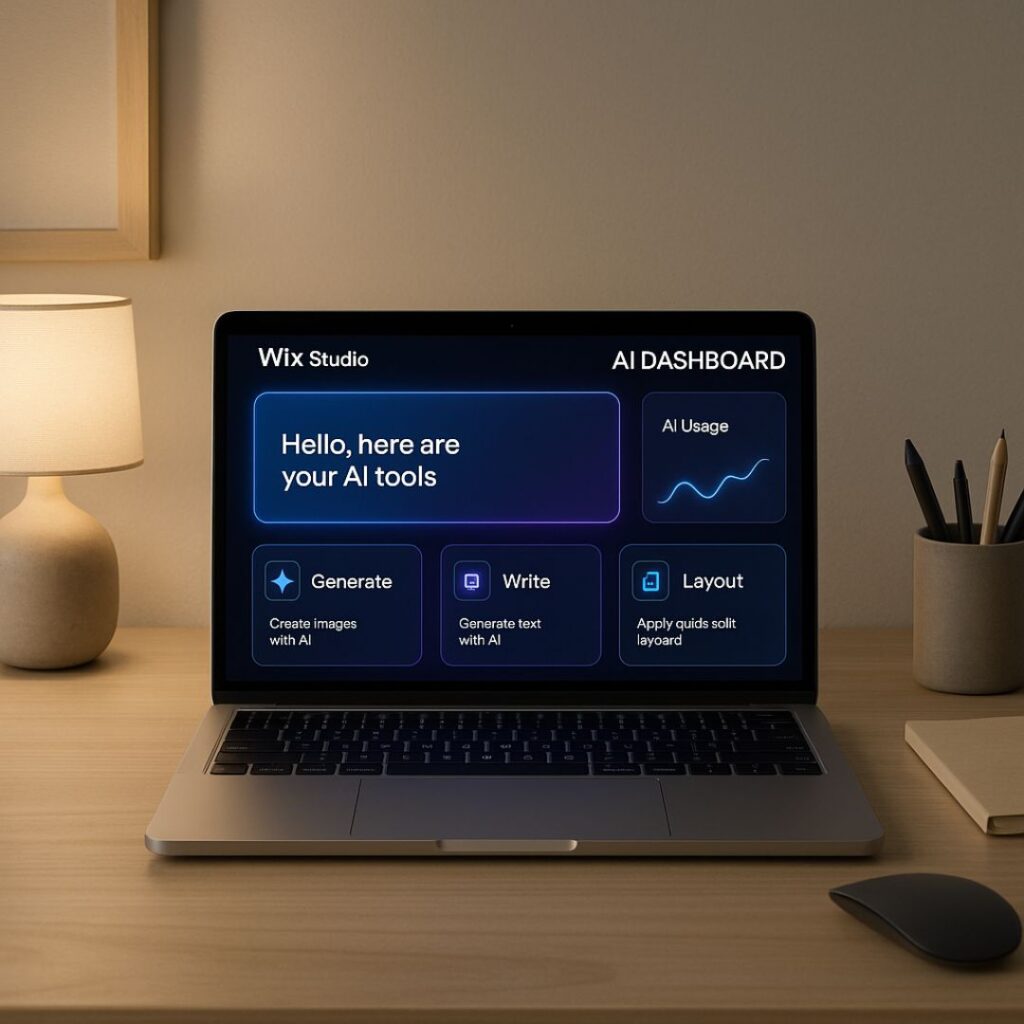
What Makes Wix Studio Stand Out in 2025
Built for agencies and freelancers
Wix Studio isn’t just another site builder—it’s engineered for:
U.S. digital agencies
Freelance designers
Developers who want faster workflows
Speed and automation
With AI taking over repetitive tasks, designers can focus on creativity and client strategy instead of manual edits.
Wix Studio AI vs Traditional Tools
AI Assistance vs Manual Workflow
Traditional platforms require:
Manual breakpoints
Manual CSS fixes
Manual layout adjustments
But Wix Studio’s AI:
Suggests perfect responsive layouts
Auto-corrects spacing
Writes code snippets instantly
Real-time AI suggestions
While editing a section, AI offers:
Cleaner layout options
Text rewrites
Optimized spacing
SEO improvements
It’s like having a designer, developer, and marketer working with you.
Wix Studio vs WordPress (2025 AI Comparison)
AI design tools
Wix Studio uses:
Real-time AI-generated layouts
Automated responsive rules
A built-in code assistant
WordPress still relies heavily on:
Plugins
External builders
Manual coding
Workflow speed
Wix Studio reduces workflow time by 40–60%.
WordPress workflows are still plugin-heavy and slower.
Cost & scalability
For U.S. agencies, Wix Studio’s pricing is straightforward.
WordPress requires:
Hosting
Premium plugins
Security add-ons
Best choice for agencies
Winner: Wix Studio
Better team collaboration, client handoff, and multi-site management.
Best for freelancers
Winner: Wix Studio
AI tools help freelancers deliver work faster and charge premium rates.
Key AI Features in Wix Studio Changing the Game
AI Responsive Design
Automatically adjusts layouts across all breakpoints.
AI Code Assistant
Generates CSS, JavaScript, Velo code—and fixes bugs on the spot.
AI Automations
Automates client workflows and site actions without third-party tools.
AI Layout Generator
Creates layout ideas instantly based on your content.
How AI Cuts Web Design Time in Half
Example for a U.S. freelancer
Old workflow: 8–10 hours
New AI workflow: 2–3 hours
Example for an agency
Old workflow: 5–7 days
New AI workflow: 1–2 days
This lets agencies take on more clients without burning out.
How American Web Agencies Benefit Most
Faster client delivery
AI helps meet tighter U.S. deadlines.
Better collaboration tools
Built-in team comments and permissions.
Easy client handoff
Wix Studio includes client dashboards and permissions—no messy access sharing.
Must-Know AI Tools for Freelance Web Developers
AI Debugger
Finds and fixes code errors instantly.
AI content drafting
Creates professional U.S.-style website copy.
AI SEO optimization
Suggests keywords, meta tags, alt text, and more.
Best Use Cases for Wix Studio AI in 2025
E-commerce
Faster product page generation, better layouts.
Portfolios
Design-perfect responsive visuals.
Local business sites
Perfect for U.S. restaurants, salons, coaches, and real estate agents.
Internal Links Suggestion
(You would link to your categories/services/pages here.)
/services/web-design
/blog/wix-tips
/contact
External Links to Authoritative U.S. Sources
Comparison Table: Wix Studio AI vs WordPress
| Feature | Wix Studio AI | WordPress |
|---|---|---|
| AI Layout Generation | ✔️ Built-in | ❌ Plugin required |
| AI Code Assistant | ✔️ Yes | ❌ No |
| Responsive Automation | ✔️ Automatic | ❌ Manual |
| Workflow Speed | Fast | Slower |
| Best For | U.S. agencies & freelancers | Developers needing full control |
FAQ's
1. Is Wix Studio better than WordPress for AI design?
Yes. Wix Studio offers built-in AI tools while WordPress relies on external plugins.
2. Can U.S. freelancers earn more using Wix Studio?
Absolutely—faster workflows mean more projects and higher-quality results.
3. Does Wix Studio support custom code?
Yes, with a fully integrated AI code assistant.
4. Is Wix Studio good for agencies in the U.S.?
It’s one of the best—thanks to collaboration tools and automation.
5. Will AI replace web designers?
No—AI enhances your creativity and speeds up your workflow.
Final Thoughts and Takeaways
Wix Studio’s new AI tools are transforming how U.S. web designers build, deliver, and grow. From automation to real-time AI design, it gives both freelancers and agencies the speed and flexibility they need in 2025. If you want to stay ahead of the competition, now is the time to upgrade your workflow to AI-powered design.