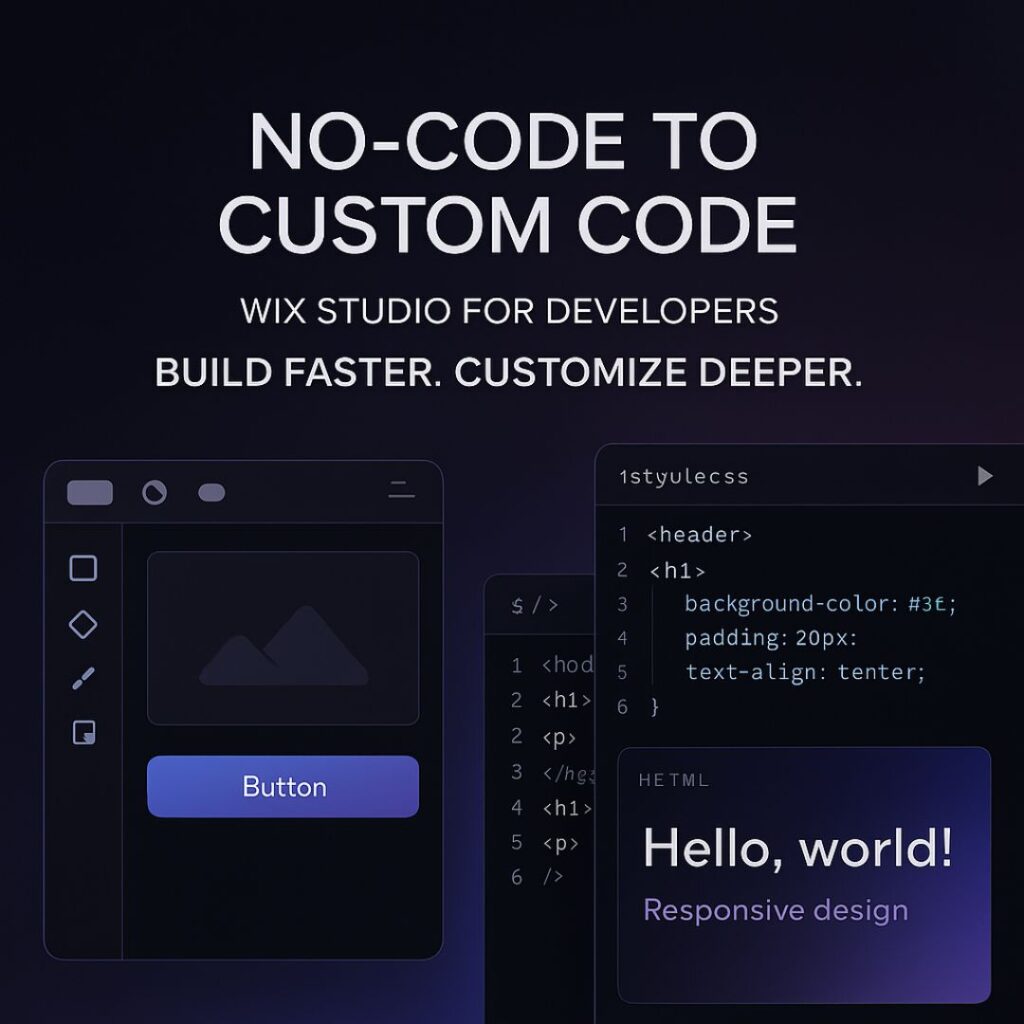
From No-Code to Custom Code: How Developers Can Fully Leverage Wix Studio

From No-Code to Custom Code: How to Leverage Wix Studio as a Developer

Wix Studio has rapidly evolved from a simple, drag-and-drop website builder into a powerful, developer-friendly platform that blends no-code convenience with custom code freedom. In 2025, it stands as one of the most balanced tools for developers who want speed, flexibility, scalability, and design control—all in one place.

Whether you’re a front-end developer, a full-stack developer, or a freelancer working with clients, Wix Studio helps you build websites faster while still allowing deep customization through CSS, JavaScript, APIs, and advanced integrations.

In this blog, we’ll explore how you can take a project from no-code simplicity to full custom-coded power using Wix Studio.

1. Why Wix Studio Is Perfect for Developers

Wix Studio is designed specially for professionals. It offers:

  • Full responsive design tools

  • Ability to add custom CSS

  • No-code animations

  • Integrated Wix CMS

  • Component-based design

  • Reusable layouts

  • Built-in business tools (eCommerce, bookings, events)

  • Developer-friendly workflows through Velo

This makes it ideal for developers who want to build fast without losing control.


2. Start With No-Code: Build Structure, Layout, and Visual Foundation

The no-code tools in Wix Studio are not “basic” — they are powerful and save hours of development time.

What you can do with no-code:

  • Create perfect responsive layouts with built-in breakpoints

  • Use modern sections (sticky, scroll effects, pinned elements)

  • Add animations without writing JS

  • Build mobile, tablet, and desktop variations

  • Use design libraries to keep branding consistent

This allows you to set up the entire visual foundation of the website quickly.

Instead of manually coding everything from scratch, you can focus your energy on the elements that truly need customization.


3. Add Custom CSS for Pixel-Perfect Design Control

Developers can go beyond presets by injecting CSS directly into Wix Studio.

Use cases of custom CSS:

  • Creating unique hover effects

  • Designing complex gradients

  • Customizing buttons, cards, and layouts

  • Adding dark mode styling

  • Fine-tuning animations

  • Improving typography and spacing

  • Overriding default Wix limitations

With CSS, your designs look premium, polished, and professional.


4. Use Velo (Wix’s Developer Tooling) for Advanced Logic

Velo allows you to add JavaScript and custom backend logic.

What you can build using Velo:

  • Dynamic pages pulling data from a CMS

  • Custom forms with validation

  • API integrations (payment gateways, CRMs, AI APIs, etc.)

  • Fetching external data with HTTP functions

  • Building user dashboards

  • Automated workflows and backend jobs

  • Connecting databases or creating your own collections

This is where Wix Studio becomes extremely powerful — it’s not just visual design, it’s full web application development inside one platform.


5. Integrate Third-Party APIs to Extend Functionality

For developers, API integration is essential.
Wix Studio + Velo allows:

  • Payment integrations

  • AI tools

  • Marketing automation

  • CRM tools

  • Custom analytics

  • Product databases

  • Shipping + logistics APIs

  • Social media interactions

You can turn a simple Wix site into a complete web platform using APIs.


6. Build Reusable Components to Speed Up Future Projects

One underrated feature in Wix Studio is Reusable Components.

You can create a design element once and re-use it across multiple pages or multiple client projects.
This saves time and maintains consistency.

Reusable components work especially well for:

  • Navigation bars

  • Hero sections

  • CTA buttons

  • Product cards

  • Forms

  • Footers

For agencies or freelancers, this is a massive productivity booster.


7. A Developer’s Workflow: No-Code → Custom CSS → Velo

Here’s a recommended workflow to maximize your efficiency:

Step 1: Start No-Code

Build the layout visually using Wix Studio’s modern design tools.

Step 2: Add Custom CSS

Enhance the design and create advanced styling.

Step 3: Add Logic Using Velo

Integrate dynamic data, backend logic, and external APIs.

Step 4: Optimize

  • Add SEO tags

  • Optimize images

  • Minify code

  • Improve performance settings

This workflow ensures your website is both beautiful and technically strong.


8. SEO in Wix Studio: How Developers Can Improve Rankings

Wix Studio provides advanced SEO tools:

  • Custom meta tags

  • Structured data markup

  • 301 redirects

  • Page indexing controls

  • Image optimization

  • Automatic caching + CDN

To rank on the first page, make sure you:

  • Add relevant keywords

  • Improve mobile performance

  • Use proper heading structure (H1, H2, H3)

  • Add internal links

  • Write high-quality long-form content

  • Optimize images with ALT tags

Wix Studio already handles speed, caching, and security — so your job is much easier.

FAQ's

1. Is Wix Studio good for developers?

Yes. Wix Studio includes custom CSS, JavaScript, API integrations, dynamic data, and the Velo development environment, making it highly developer-friendly.

2. Can I write custom code in Wix Studio?

Absolutely. You can add custom CSS for design and Velo JavaScript for logic, automation, and advanced functionality.

3. Is Wix Studio better than the classic Wix Editor?

Yes. Wix Studio offers advanced responsive design, custom code capabilities, and professional tools for developers and agencies.

4. Can I integrate APIs in Wix Studio?

Yes. With Velo, you can integrate external APIs, authentication systems, databases, CRMs, and more.

5. Does Wix Studio support dark-theme websites?

Yes. You can build dark-theme layouts using custom CSS, design tokens, gradients, and reusable design libraries.

Final Thoughts and Takeaways

Wix Studio is the perfect bridge between no-code simplicity and full-stack flexibility. Whether you’re a freelancer, a front-end developer, or an agency, you can build fast, customize deeply, and scale easily.

By combining responsive no-code design, custom CSS, Velo JavaScript, and powerful CMS tools, Wix Studio becomes a complete development ecosystem — ready for 2025 and beyond.

How to Design Pixel-Perfect Websites in Wix Studio (2025 Guide)

How to Design Pixel-Perfect Websites in Wix Studio (2025)

Wix Studio is now one of the top professional builders for agencies and freelancers who deliver client sites in the U.S. market. It combines a precision design editor, custom breakpoints, and tools built for agency workflows, making it a strong choice for pixel-perfect design and fast client delivery.

Step 1 — Planning & Brief

Define project goals, understand U.S. audience intent, and set conversion targets before opening the editor. Create a sitemap, color system, and asset library so your workflow remains structured. Pixel perfection starts with clarity and consistency at the planning stage.


Step 2 — Setting Up Wix Studio Project

Use consistent project naming and folder structures. Assign proper roles for designers, developers, and content editors. Connect analytics and ensure the correct time zone for your client’s U.S. location.


Step 3 — Pixel Grid, Typography & Color System

Set a 12-column grid, define container widths, and establish a solid typography hierarchy. Choose accessible color palettes that meet WCAG contrast standards. Wix Studio’s font library (expanded in 2025) gives designers more flexibility to build professional brands.


Step 4 — Building Responsive Layouts and Breakpoints

Start from the desktop layout and adjust down for smaller devices. Wix Studio’s custom breakpoints help maintain design accuracy across all screens. Use fluid typography and anchor UI elements to the grid for consistent spacing and alignment.


Step 5 — Working with Images & Media for Crispness

Use WebP or AVIF formats for faster load times. Optimize hero and gallery images without sacrificing quality. Use SVGs for logos and icons to ensure crisp visuals on high-density displays.


Step 6 — Interactions, Animations & Microcopy

Add purposeful animations to create smoother user experiences. Keep motion subtle and accessible. Write clear microcopy — every button label, placeholder, and tooltip should speak directly to the U.S. audience in natural language.


Step 7 — Performance, SEO & Accessibility

Test Core Web Vitals (LCP, FID, CLS). Optimize meta tags, headings, and structured data. Add local SEO elements such as city, state, and phone details for U.S. businesses. Ensure keyboard navigation and strong color contrast for full accessibility.

Step 8 — Developer Workflows & Git Integration

Wix Studio supports GitHub and local development through its CLI. Agencies can branch, review, and merge updates seamlessly. Automate deployments using GitHub Actions for smooth CI/CD pipelines.


Step 9 — QA Checklist & Cross-Device Testing

Test your site on major U.S. devices and browsers. Verify visuals, forms, and links. Run performance and accessibility audits using Lighthouse or axe tools. Document and fix issues with screenshots and device info.


Step 10 — Launch, Tracking & Handoff

Before launch, confirm analytics, Search Console, redirects, and caching. Provide a training guide for clients and a short tutorial video showing how to edit text and images. Offer post-launch SEO maintenance to retain performance.


Templates & Example Process

Typical U.S. agency timeline:

  • Week 1 – Discovery & Sitemap

  • Week 2-3 – Design Mockups

  • Week 4-5 – Build & Responsive Adjustments

  • Week 6 – QA & Client Review

  • Week 7 – Launch & Handoff


Common Mistakes & Fixes

Mistake Fix
Designing only for desktop Plan and test responsive breakpoints early
Heavy hero images Use modern formats and compression
Ignoring content hierarchy Finalize copy before adjusting layouts
Skipping accessibility Perform automated and manual checks

FAQ's

1. What is Wix Studio and is it good for agencies in the U.S.?

Wix Studio is a professional-grade platform with responsive design tools, custom breakpoints, and advanced workflows for agencies serving U.S. clients.

2. Can I use custom breakpoints in Wix Studio?

Yes, Wix Studio lets you set custom breakpoints for precise design control across devices.

3. Does Wix Studio support GitHub integration?

Yes. Connect your Wix Studio site to GitHub for version control and automated deployments.

4. How can I make my images look crisp in Wix Studio?

Use modern formats like WebP or AVIF, and SVGs for icons. Compress and resize images properly before upload.

5. How do I improve SEO for my Wix Studio site?

Optimize titles, meta descriptions, schema markup, and local search data. Test performance with Lighthouse and maintain fast load times.

Final Thoughts and Takeaways

Pixel-perfect design in Wix Studio combines art, structure, and precision. For U.S. businesses, it means faster load times, stronger branding, and higher conversions. Focus on responsive systems, optimized assets, and clear workflows to create stunning professional results.

The Future of AI and Wix Studio

The Future of AI and Wix Studio 2025

The Future of AI and Wix Studio: What U.S. Companies Should Expect

Artificial Intelligence (AI) isn’t the future anymore—it’s the present. From automating customer service to designing entire websites, AI is redefining how companies operate online. For U.S. businesses, this shift is monumental.

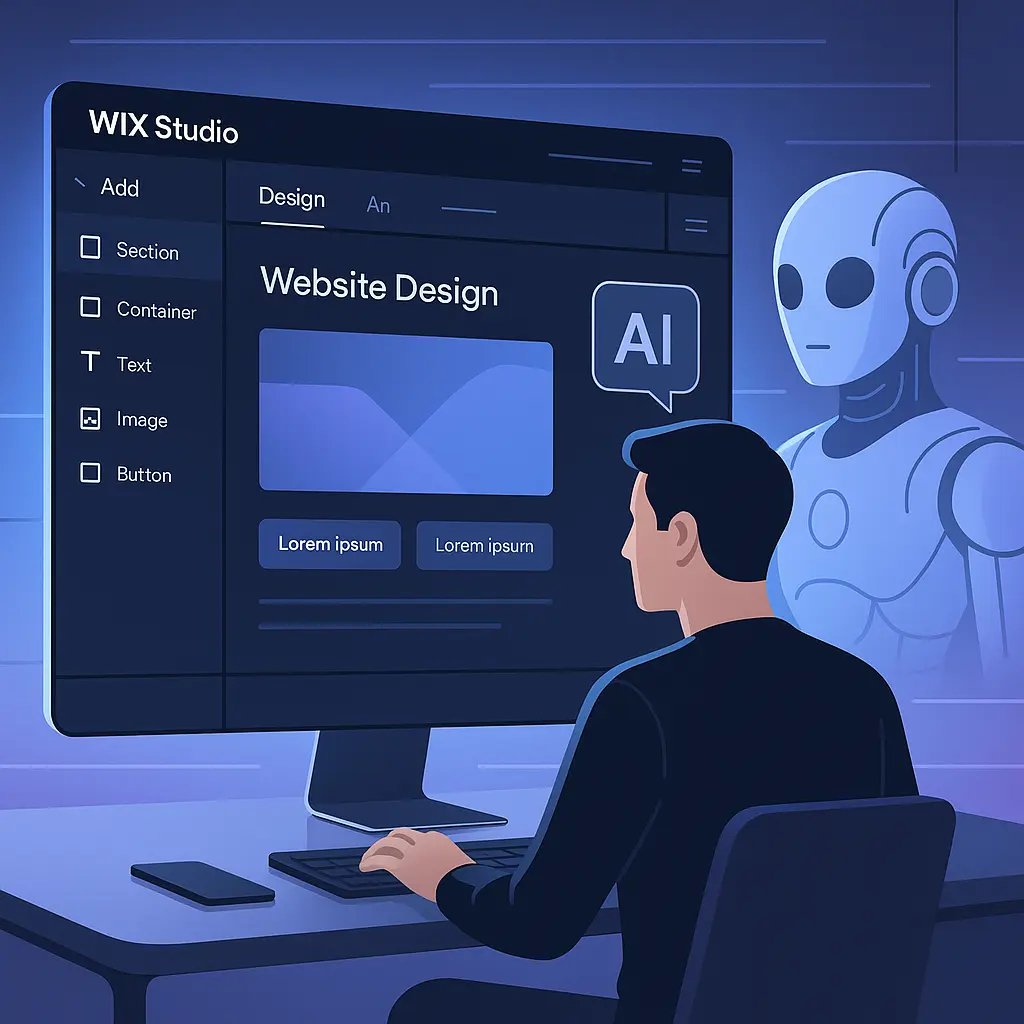
Enter Wix Studio, the advanced version of Wix that’s built for professional creators, agencies, and enterprises. With AI at its core, Wix Studio is changing how companies build, design, and optimize their online presence.

Understanding Wix Studio and Its Evolution

Wix Studio is not your typical drag-and-drop builder—it’s a professional-grade web platform that combines AI, design freedom, and collaboration tools.

Originally, Wix focused on simplicity for small business owners. But as digital demands evolved, Wix introduced Wix Studio—a next-level platform designed for web professionals who want automation without limits.

Its mission? To let AI handle repetitive tasks so that human creativity can thrive.

The Rise of AI in Web Development

AI has disrupted nearly every industry, and web design is no exception. In 2025, websites aren’t just static pages—they’re living systems that adapt, learn, and improve.

AI now assists in:

  • Designing layouts tailored to user behavior

  • Writing content optimized for SEO

  • Enhancing accessibility and engagement

For U.S. companies, this means building faster, smarter, and more data-driven websites.

The Future of AI and Wix Studio

Key AI-Powered Features in Wix Studio

Wix Studio brings a suite of intelligent tools that make web creation easier and more effective.

1. AI Site Builder

Just describe your business, and Wix Studio’s AI designs a ready-to-launch website—complete with text, layout, and visuals.

2. Smart Content Generation

Need blogs, landing pages, or product descriptions? Wix Studio’s AI content tools create SEO-optimized copy aligned with your brand’s tone.

3. Design Intelligence and Automation

Wix Studio can auto-adjust layouts for responsiveness, generate animation effects, and suggest visual improvements—all powered by AI.

How AI Will Benefit U.S. Companies

For U.S. businesses, AI in Wix Studio translates into time and money saved—and better performance.

  • Faster website creation: AI reduces design and development time by 70%.

  • Data-driven marketing: Real-time insights for campaigns and user engagement.

  • Personalization: AI tailors site experiences to each visitor, boosting conversions.

AI transforms websites from static tools into dynamic digital sales engines.

Wix Studio and the Future of Design Agencies

Freelancers and agencies across the U.S. are already seeing massive advantages with Wix Studio.

  • Automated workflows save hours of manual work.

  • AI assists with branding, layout, and SEO optimization.

  • Real-time collaboration allows multiple designers to work simultaneously.

Wix Studio’s AI doesn’t replace designers—it enhances their creative potential.

The Role of Generative AI in Web Design

Generative AI is where things get exciting. Imagine typing, “Create a minimal eCommerce homepage with pastel gradients,” and watching the design come alive instantly.

That’s what Wix Studio’s generative design AI enables—speed without compromising originality.

It can generate:

  • Complete visual themes

  • Copy suggestions

  • User interface variations

AI is now a creative partner, not just a coding tool.

SEO in the Age of AI

SEO used to be manual and technical. But AI has simplified it. Wix Studio’s built-in AI analyzes pages and automatically recommends optimizations—meta tags, headings, keyword placement, and readability.

This gives businesses an edge in ranking higher on Google while focusing on strategy rather than details.

FAQ's

1. What makes Wix Studio different from traditional website builders?
Wix Studio offers advanced AI tools, full design flexibility, and professional-grade collaboration features unlike standard drag-and-drop builders.

2. How does AI enhance website performance?
AI optimizes content, layout, and SEO automatically—boosting speed, engagement, and visibility.

3. Is Wix Studio suitable for large U.S. enterprises?
Yes. Wix Studio supports scalable architecture, making it ideal for startups, SMEs, and large corporations.

4. What’s the future of human designers in the age of AI?
Designers won’t disappear—they’ll evolve into creative directors guiding AI tools.

5. How can companies start integrating AI into their web strategies?
Start by experimenting with AI site builders, analytics, and automation tools within Wix Studio to streamline workflows.

Final Thoughts and Takeaways

AI and Wix Studio together represent the future of smart, scalable web design. For U.S. companies, this means a world where websites evolve automatically, design adapts intelligently, and marketing decisions are powered by real-time data.

The takeaway? Wix Studio isn’t just a platform—it’s your AI-powered creative partner for the next era of online business.